Turning Powershell object into the HTML table using downloaded datatables.net
- sort columns
- dynamically global search
- dynamically filter per columns
- set row color depends on 'status' row (critical|stopped=red; OK|running=green; warning=yellow)
- export to pdf/excel/csv and copy/print
- save state (like order settings)
- row selection
- Download datatables (https://datatables.net/download/packages), unpack it and save to for example c:\WWW\datatables\ (there should be folders like 'examples', extensions' and 'media')
- Launch any web server you have. For Example Mongoose Web Server v6.5 (https://www.cesanta.com/products/binary) (if so, the exe file must be in c:\WWW)
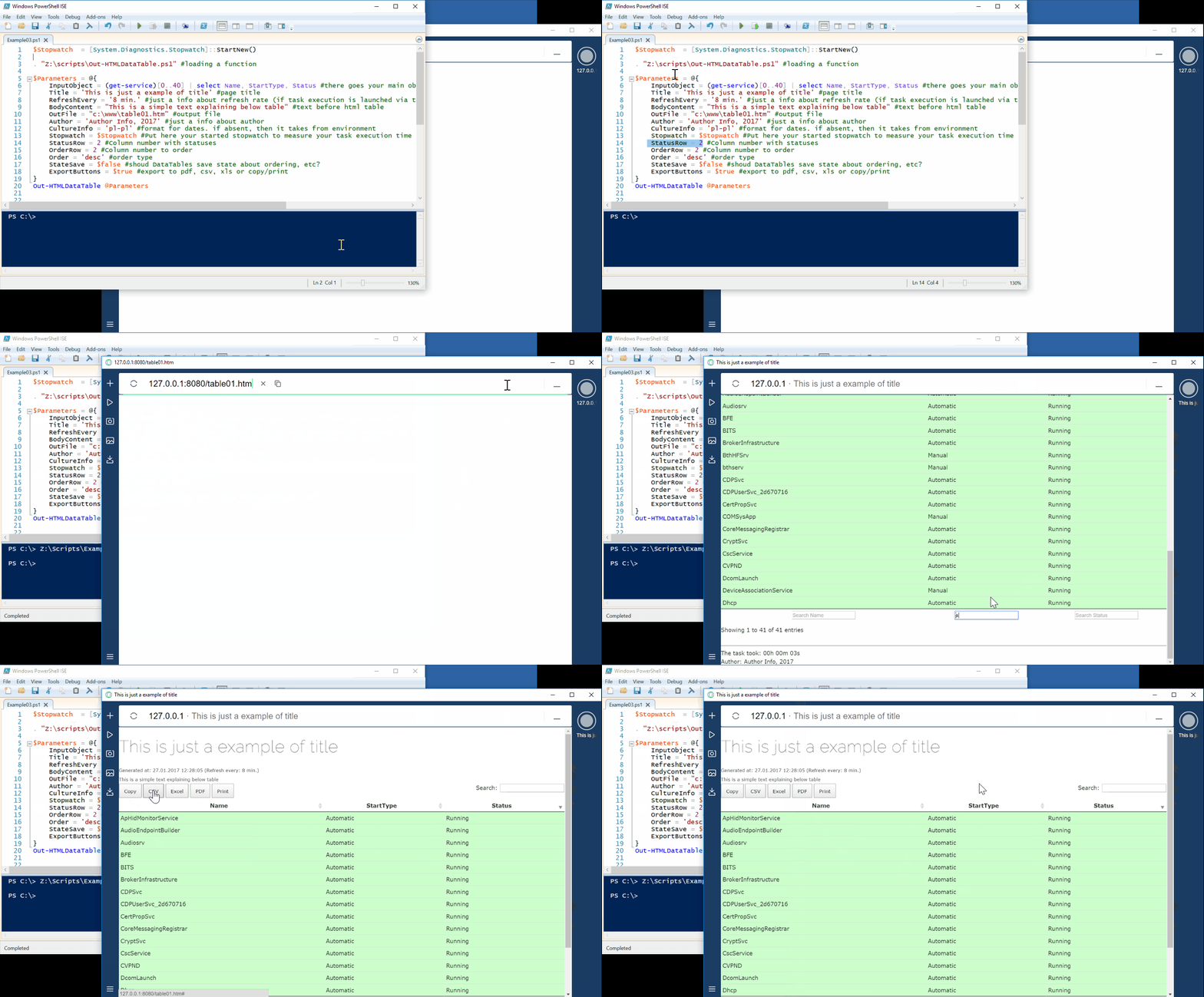
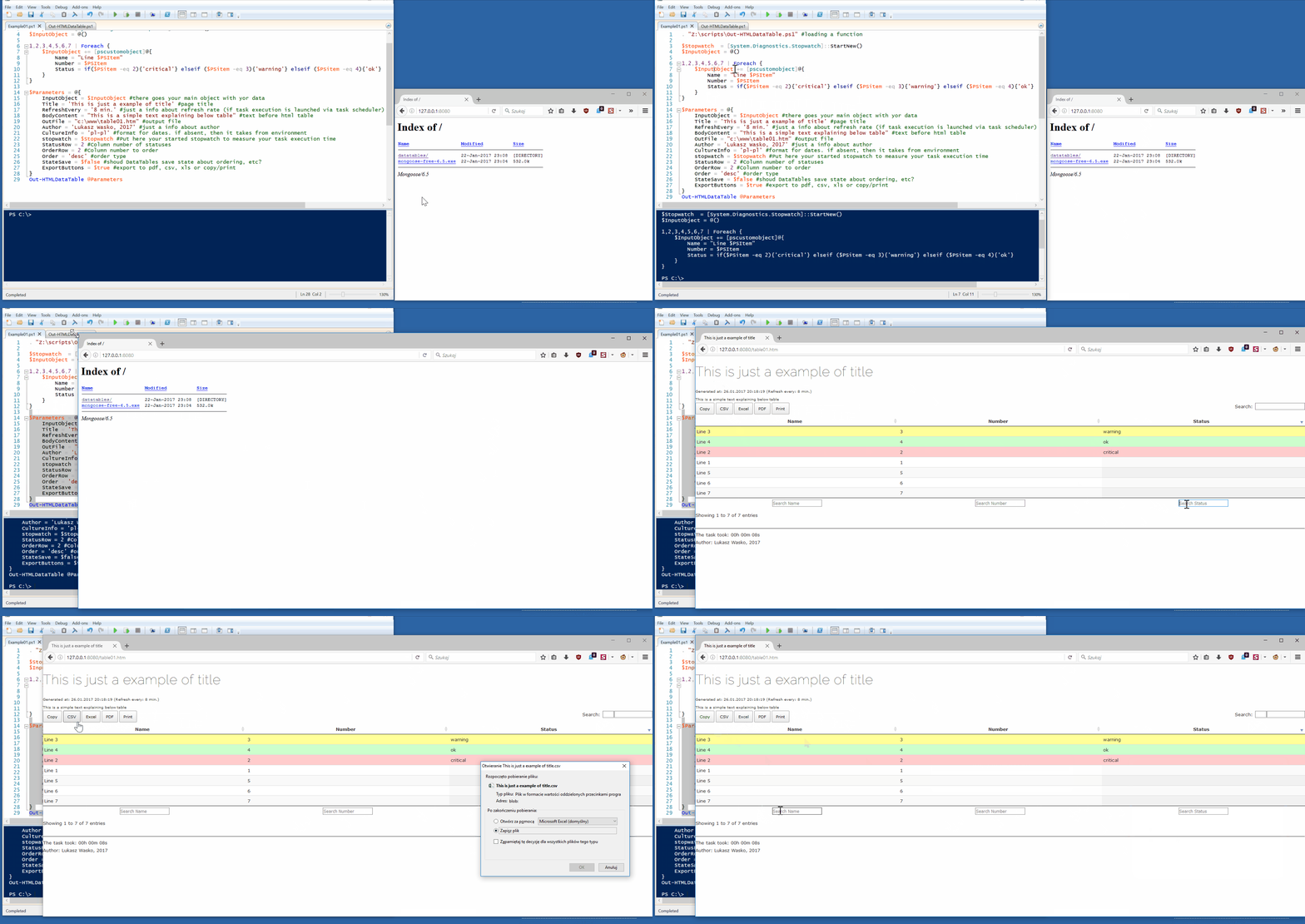
- When Executing your script call this function first:
. "C:\scripts\Out-HTMLDataTable.ps1"
- $Path should save file to c:\WWW\table01.htm
- Open in webbrowser: http://127.0.0.1:8080/table01.htm
.\www\
       datatables\examples
       datatables\extensions
       datatables\media
       icons\favicon.png
.\table01.htm
Notice, that some files are downloaded from Internet:
- https://code.jquery.com/jquery-1.12.4.js
- https://cdnjs.cloudflare.com/ajax/libs/jszip/2.5.0/jszip.min.js
- https://cdn.rawgit.com/bpampuch/pdfmake/0.1.18/build/pdfmake.min.js
- https://cdn.rawgit.com/bpampuch/pdfmake/0.1.18/build/vfs_fonts.js
So if you want to open reports on systems, that do not have Internet access just download these files and change Intenret paths to local paths in function.
Tested on:
- Windows 10
- Powershell 5.1
- DataTables v1.10.13
- free Mongoose Web Server v6.5
You can find more info and examples in Out-HTMLDataTable.ps1 file!
Author: Lukasz Wasko