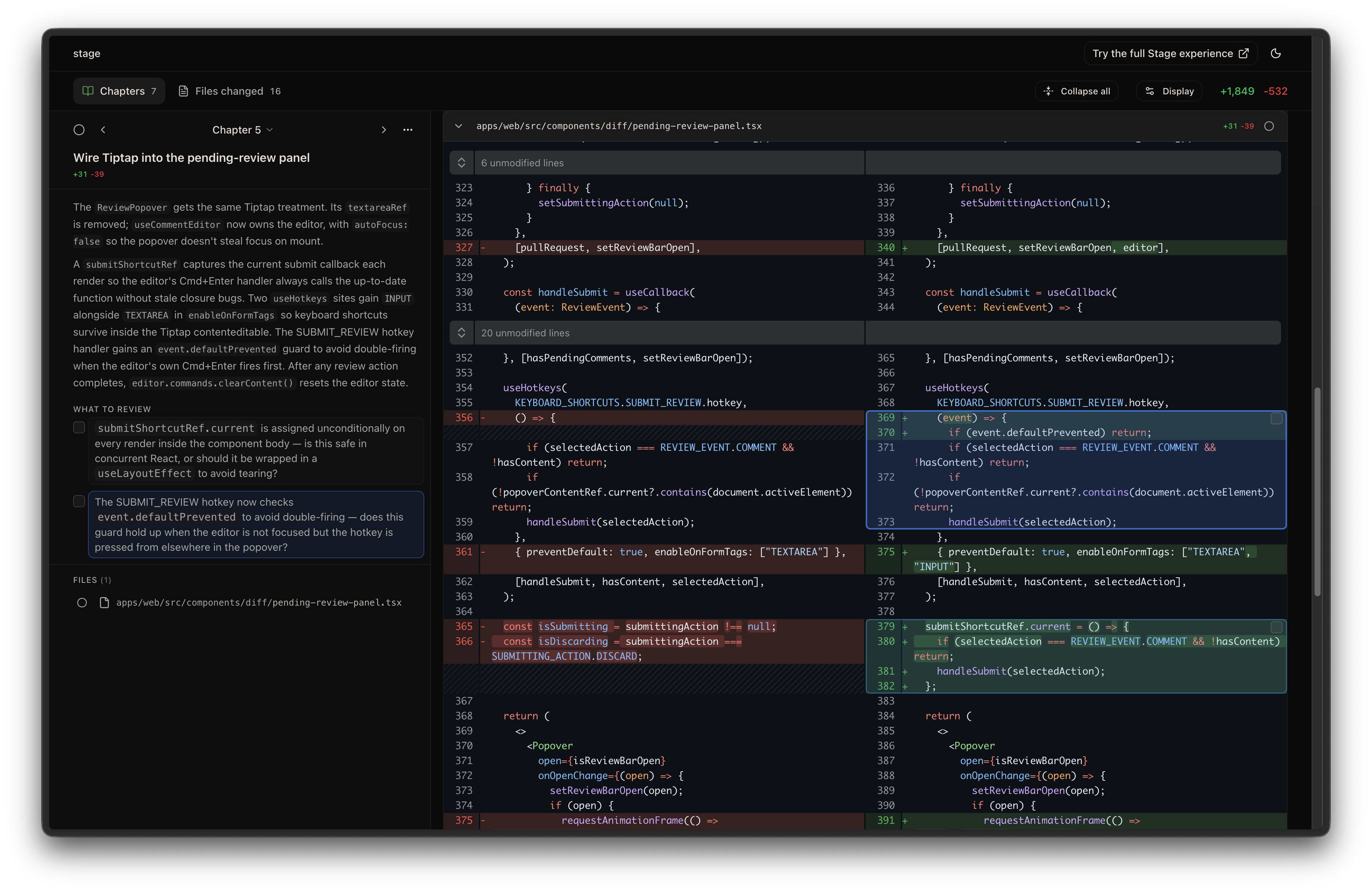
A code review tool that organizes local code changes into logical chapters and points out what to review before you dive into the code.
If you like this, try out the full Stage experience on our website below!
Website • Examples • Blog • Twitter • Discord • About Us



npm install -g stagereviewThen add the skill to your agent:
npx skills add ReviewStage/stage-clinpx skills remove ReviewStage/stage-cli
npm uninstall -g stagereviewIn your AI agent, run:
/stage-chapters
This organizes your local changes into reviewable chapters and opens a browser UI. Everything happens on your machine.
| Flag | Description |
|---|---|
--base <ref> |
Base ref to diff against (default: auto-detect main/master) |
--compare <ref> |
Compare ref to diff against --base |
--ref <mode> |
Diff scope: work (staged + unstaged + untracked), staged, or unstaged (default: auto-detect) |
--pr <number-or-url> |
Review a GitHub pull request by number or URL (requires gh) |
Examples:
# Review only staged changes
/stage-chapters --ref staged

# Diff against a specific branch
/stage-chapters --base feature-a

# Compare two branches
/stage-chapters main feature
/stage-chapters main..feature
/stage-chapters --base main --compare feature

# Review a teammate's PR by number or URL
/stage-chapters --pr 123
/stage-chapters --pr https://github.com/owner/repo/pull/123Add a .stageignore file to your repo root to exclude files from the diff analysis. Uses .gitignore-style patterns, one per line:
# Build artifacts
build/**
dist/**

# Generated code
*.generated.ts

# But keep this one
!dist/important.js
Ignored files still appear in the "Other changes" chapter so nothing is silently hidden. Comments (#), blank lines, and negation patterns (!) are supported — last matching pattern wins.