The Appearance introduction says its changes are “saved to this browser.” They are actually saved to the current WordPress account and follow that person into another browser.
That distinction matters. Someone using a shared account may reasonably change the appearance believing it is local to their device, then unintentionally change OpenStation everywhere that account is used.
How to reproduce
- Change the accent as one WordPress user.
- Wait for the save to finish.
- Sign in as the same user in a fresh browser session.
- The new accent follows the account.
- Sign in as a different user; that account keeps its own preference.
Suggested wording
Changes apply immediately and are saved to your WordPress account.
PR #581 makes this wording change as part of the full settings-language pass.
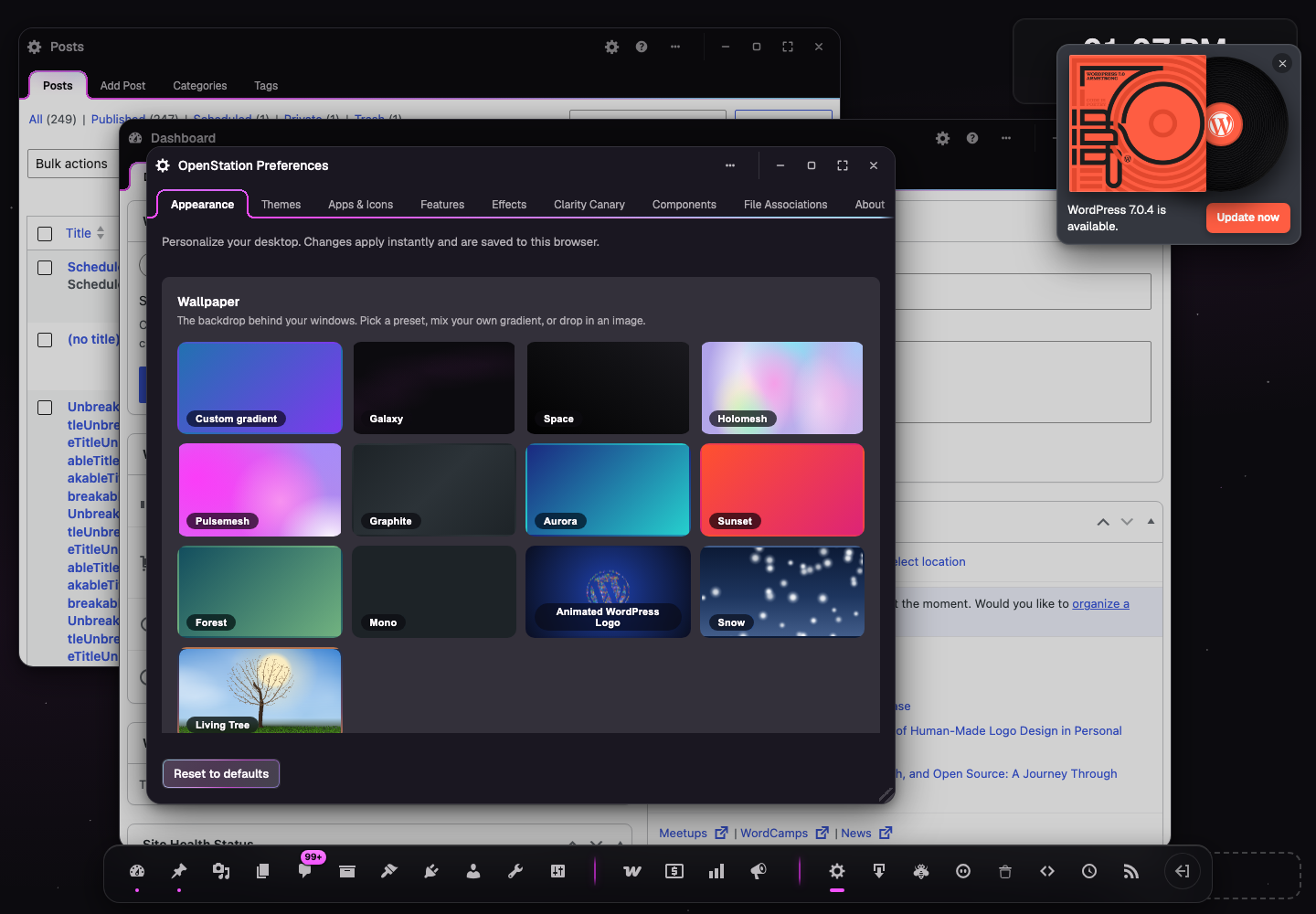
The Appearance introduction says its changes are “saved to this browser.” They are actually saved to the current WordPress account and follow that person into another browser.
That distinction matters. Someone using a shared account may reasonably change the appearance believing it is local to their device, then unintentionally change OpenStation everywhere that account is used.
How to reproduce
Suggested wording
PR #581 makes this wording change as part of the full settings-language pass.