Ordering app for iOS/iPadOS made in swift using SwiftUI.
This app relays on data fetched from my web service, found here.
Screen where the meals are displayed in categories.
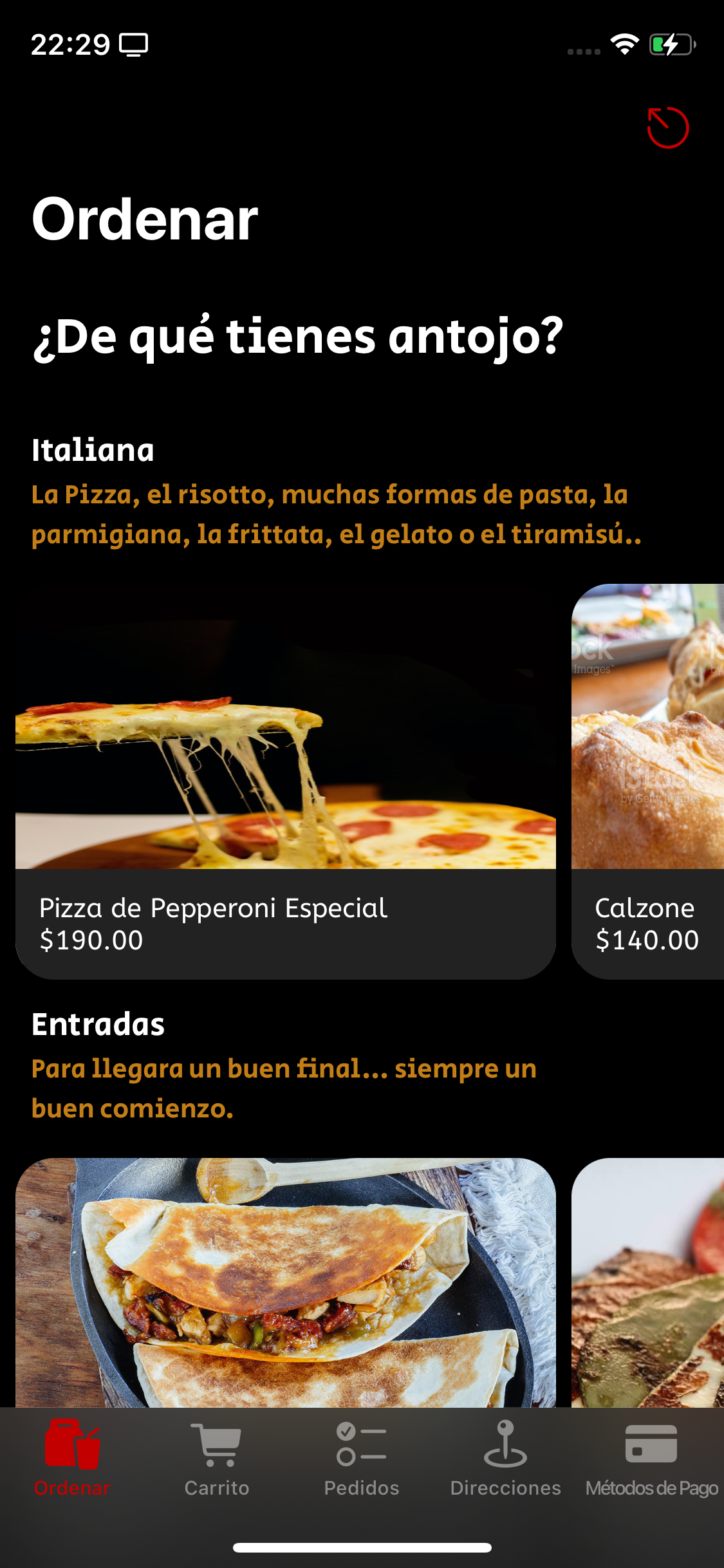
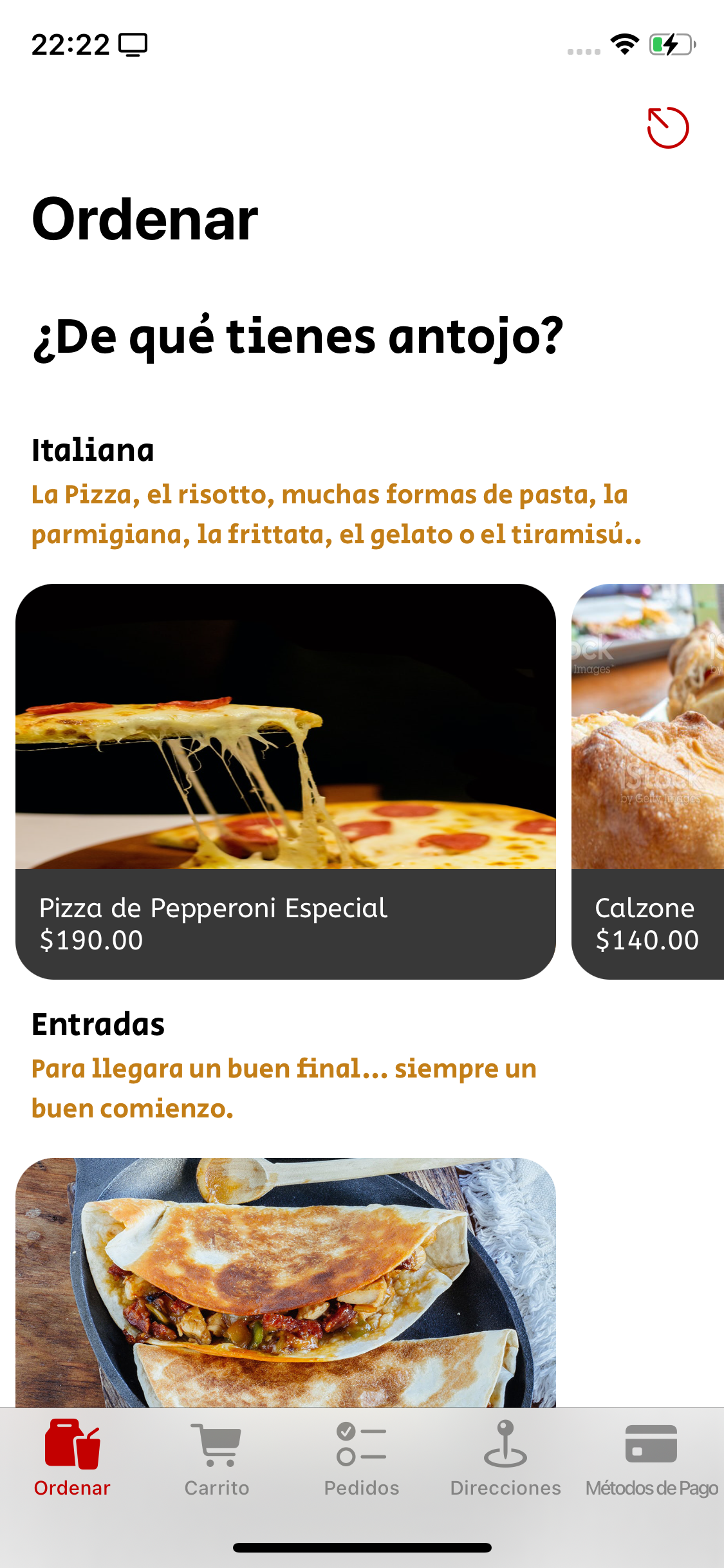
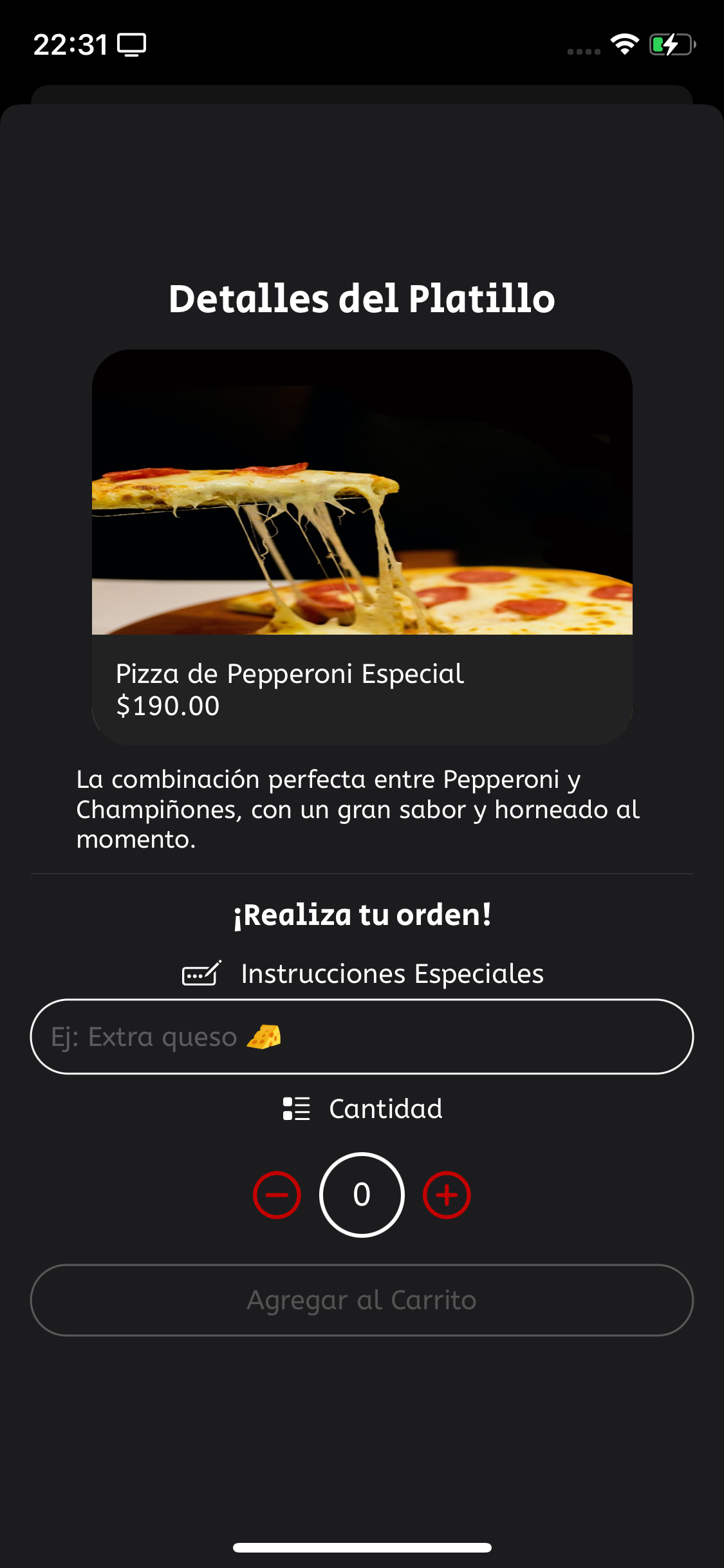
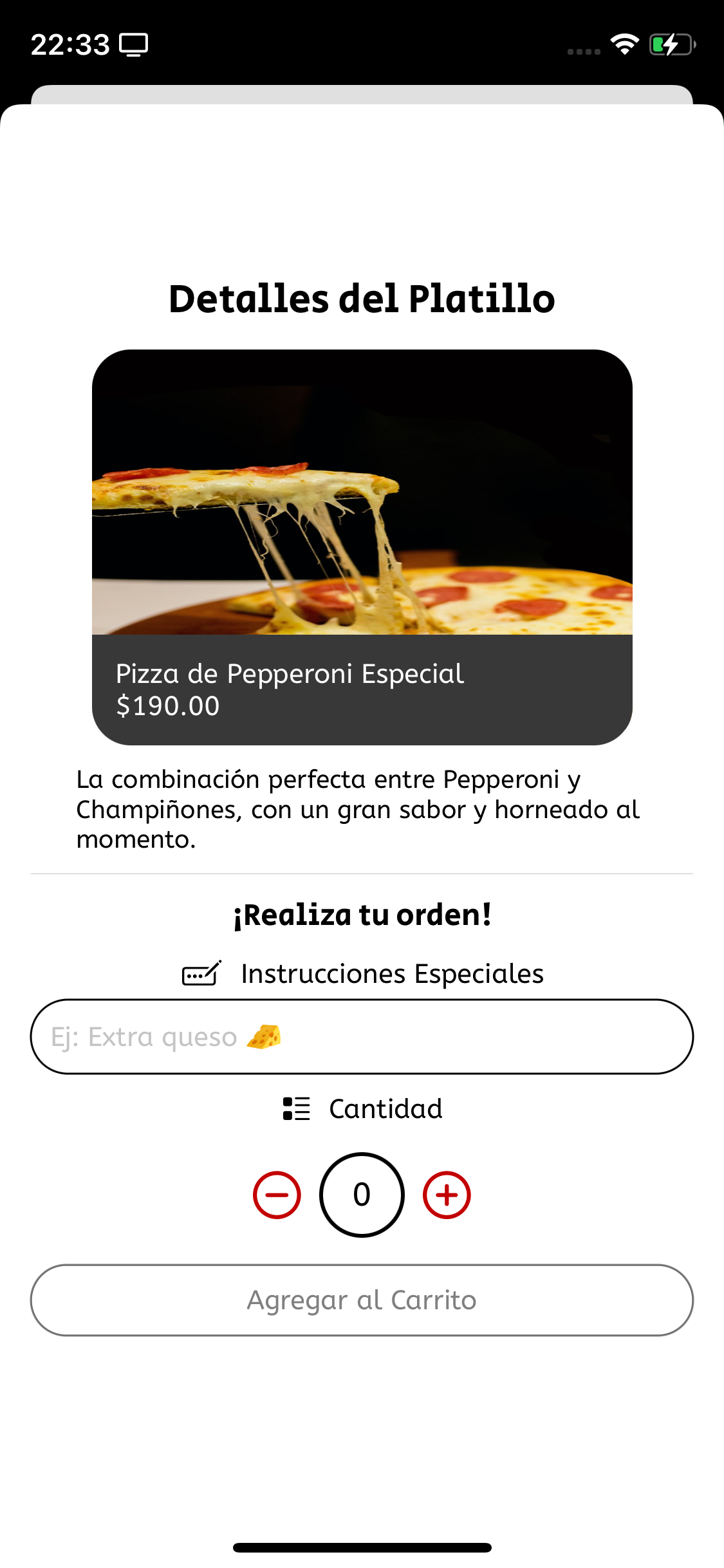
By tapping any meal, the user will open the Meal details screen, where the details of the meal are displayed and the user can add items to cart.
The user's stored shipping addresses. If there are no addresses registered, an animation will be shown instead.
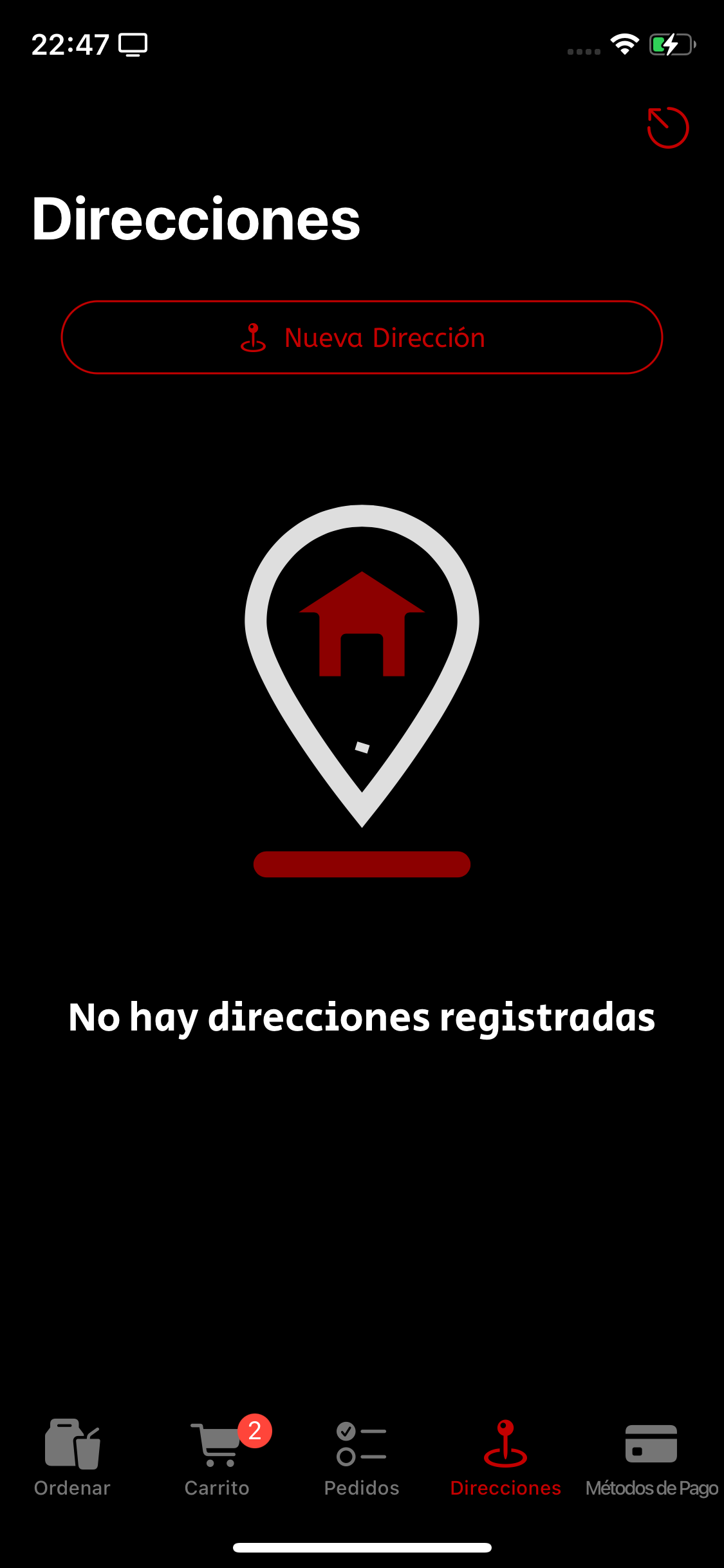
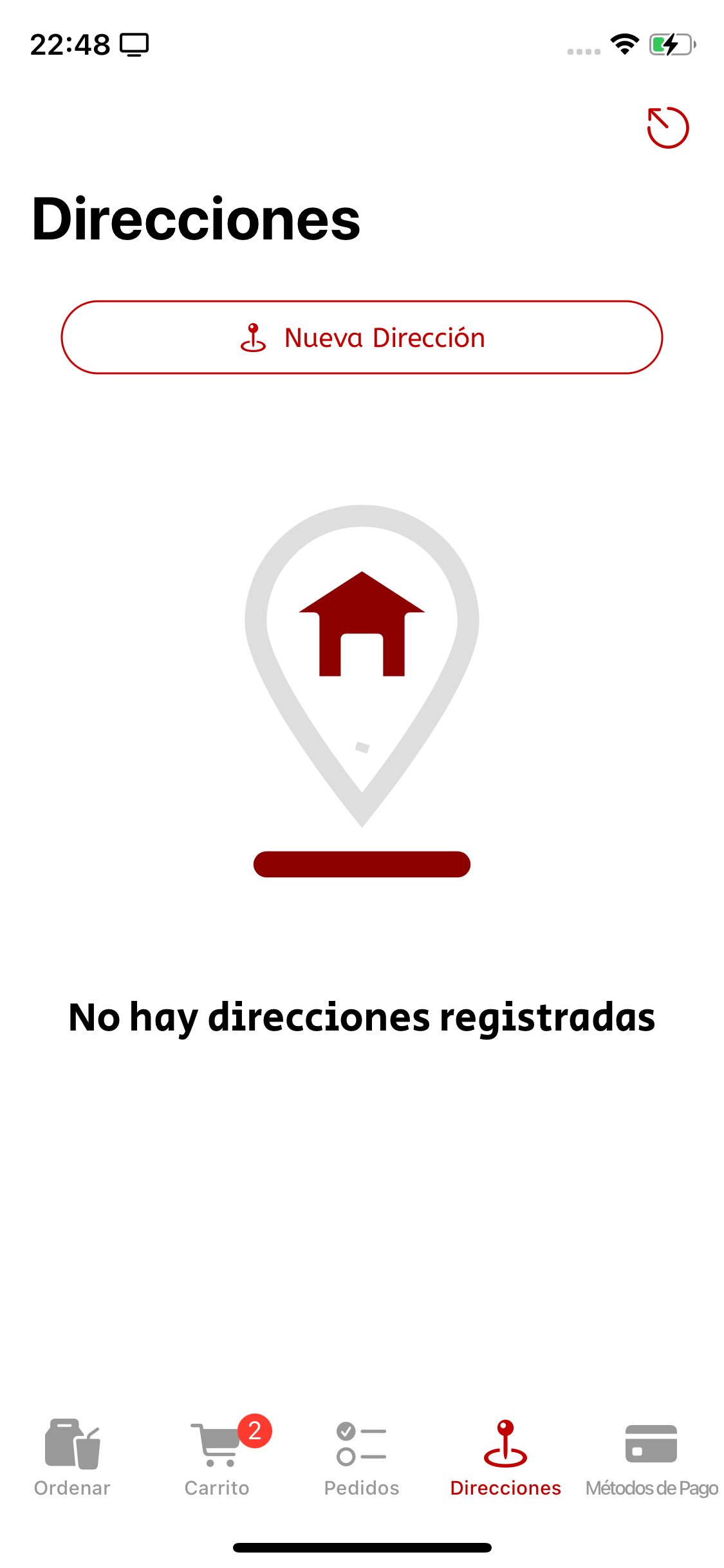
By tapping the top button the user will open the form sheet to add a new Address.
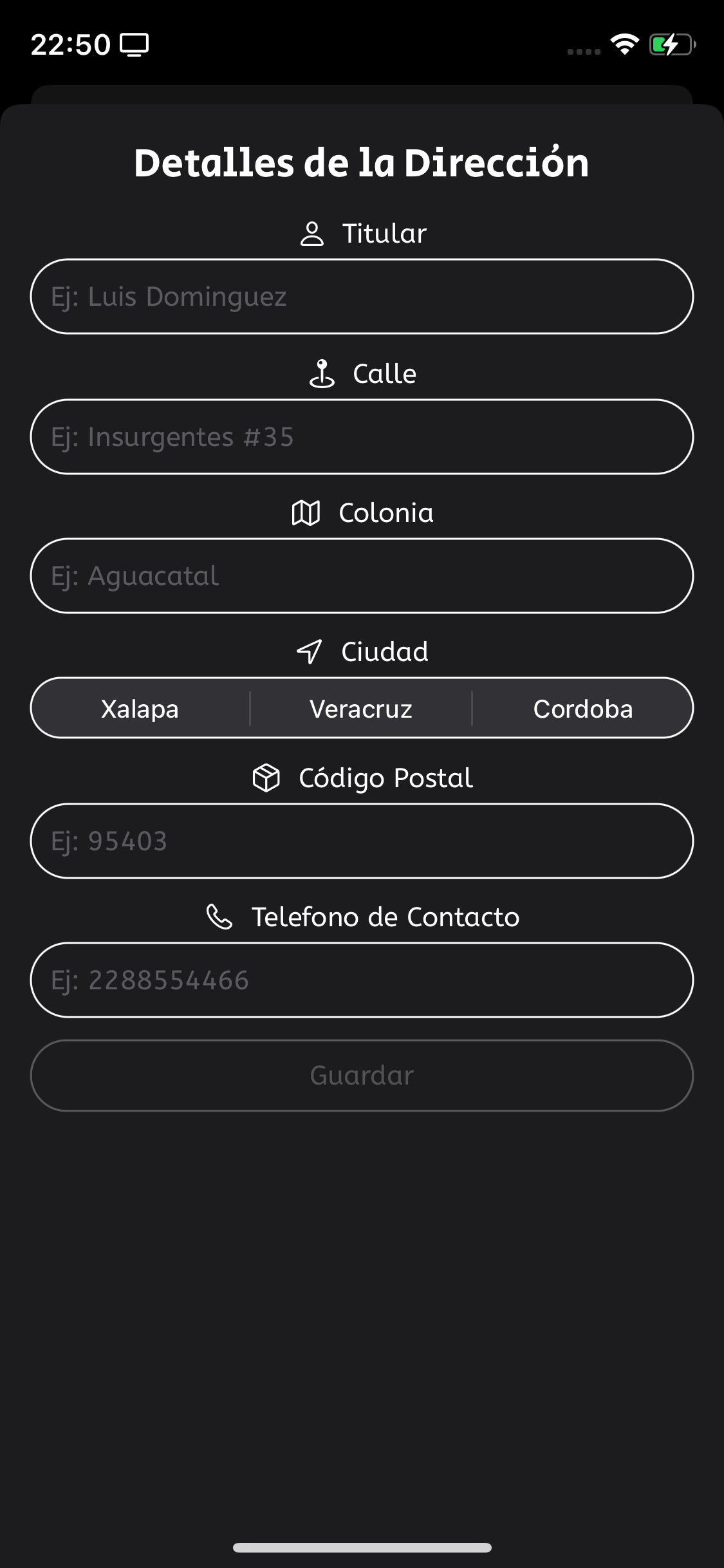
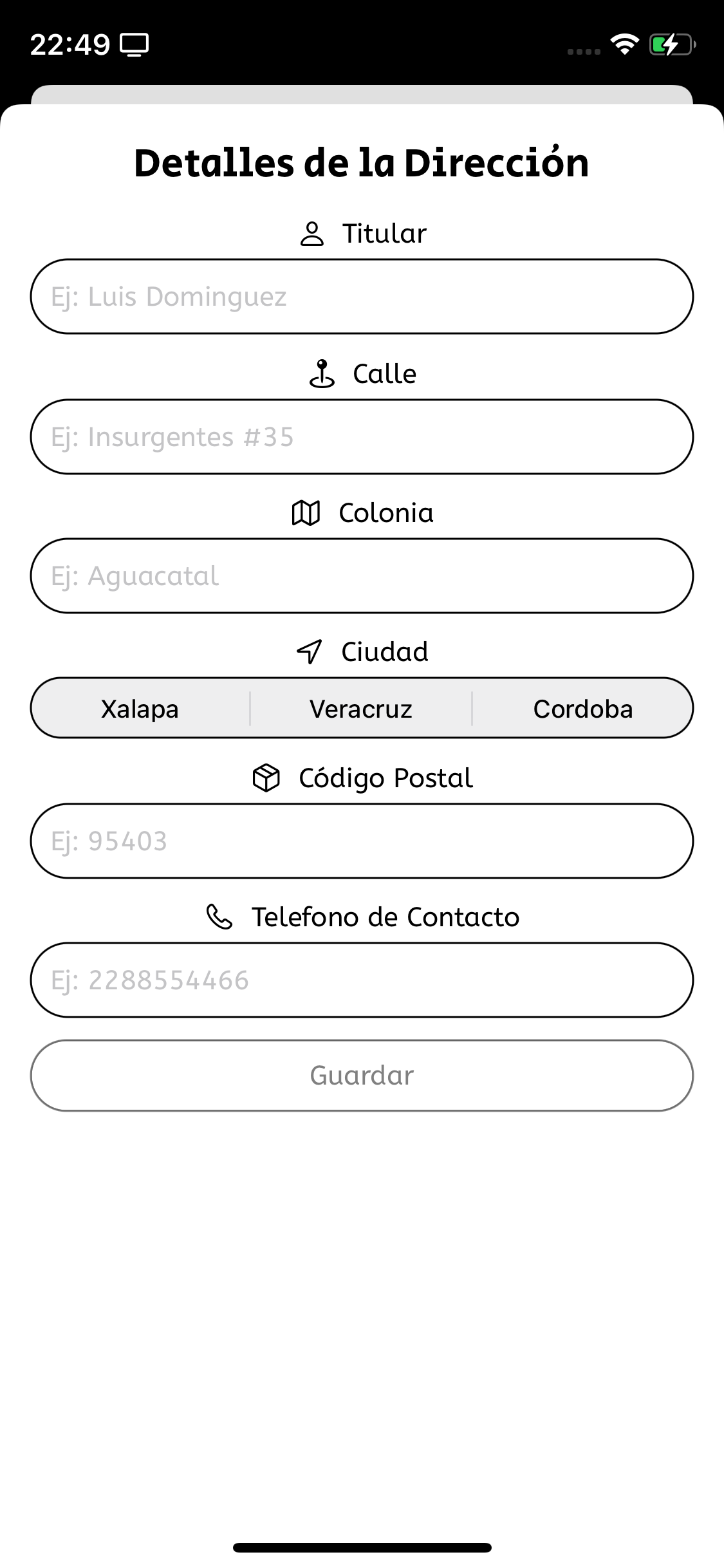
Once saved, the new address will appear on the Addresses screen.
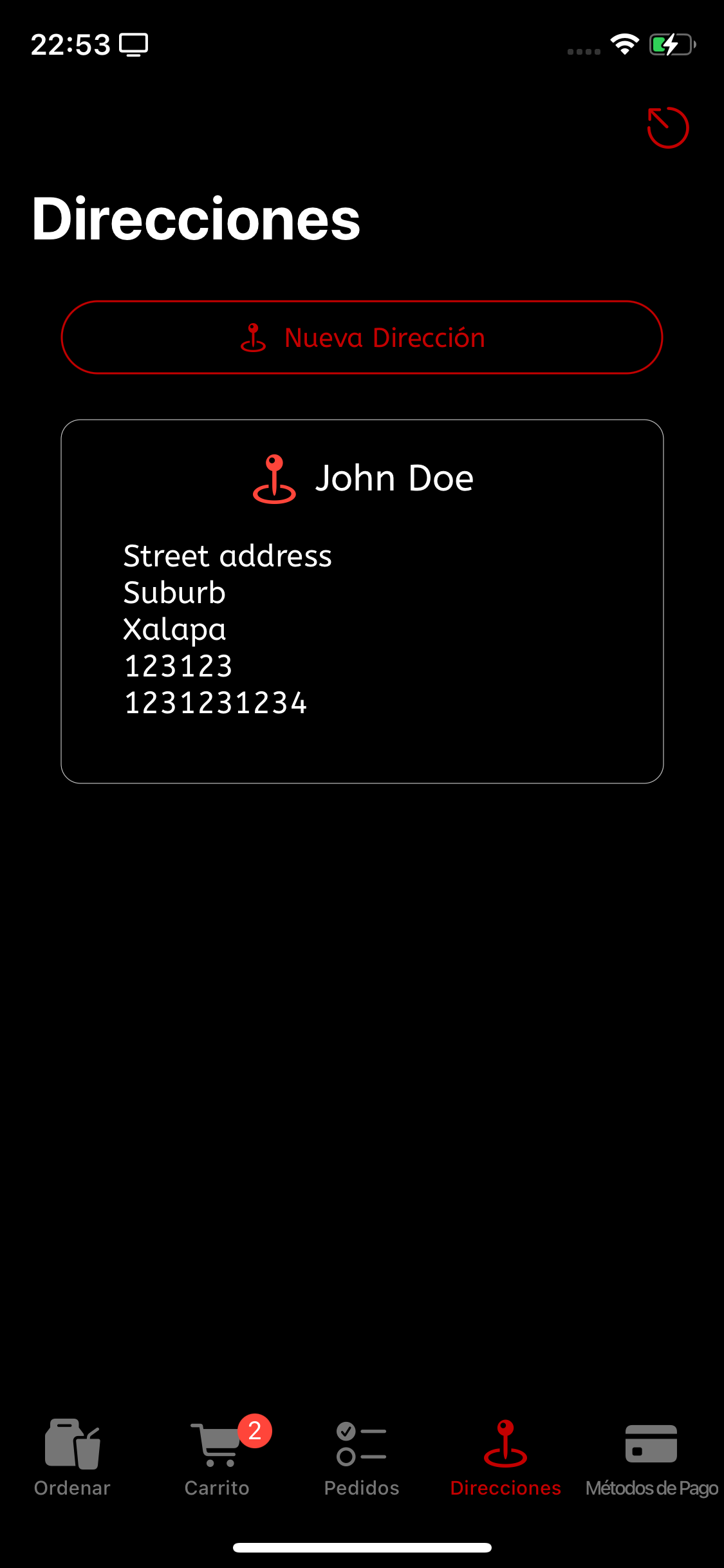
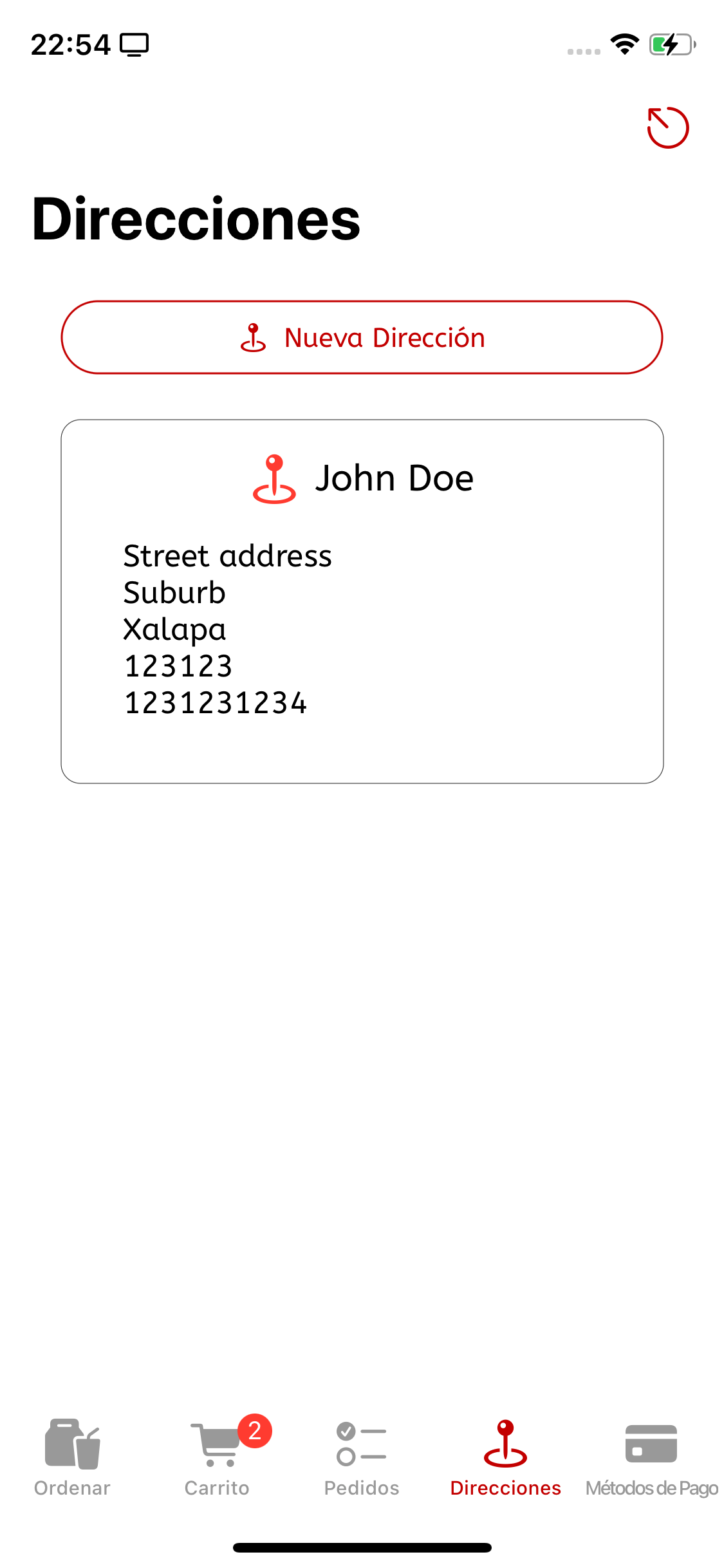
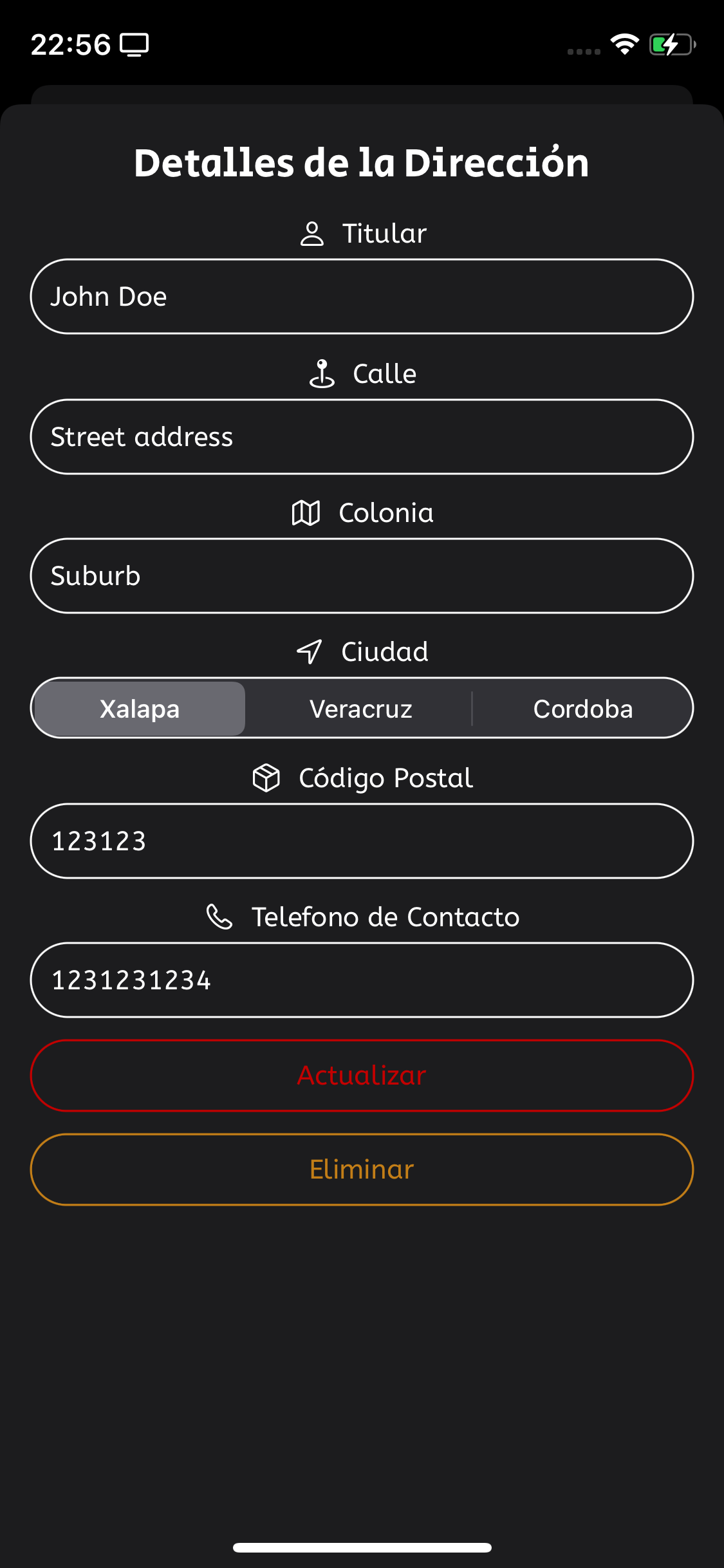
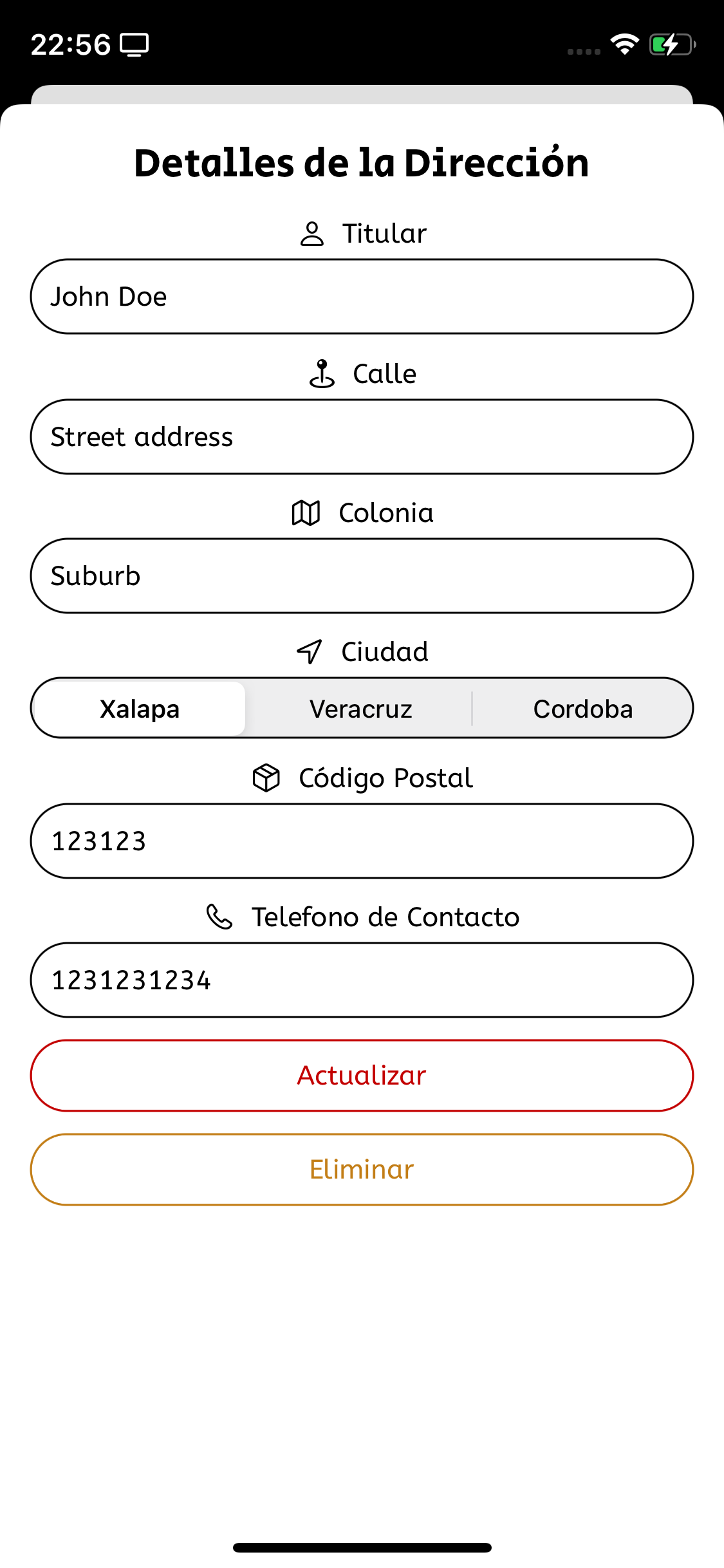
By tapping on any of the stored addresses, the sheet will be open with all the fields filled an now there will be an Update button followed by a Delete button
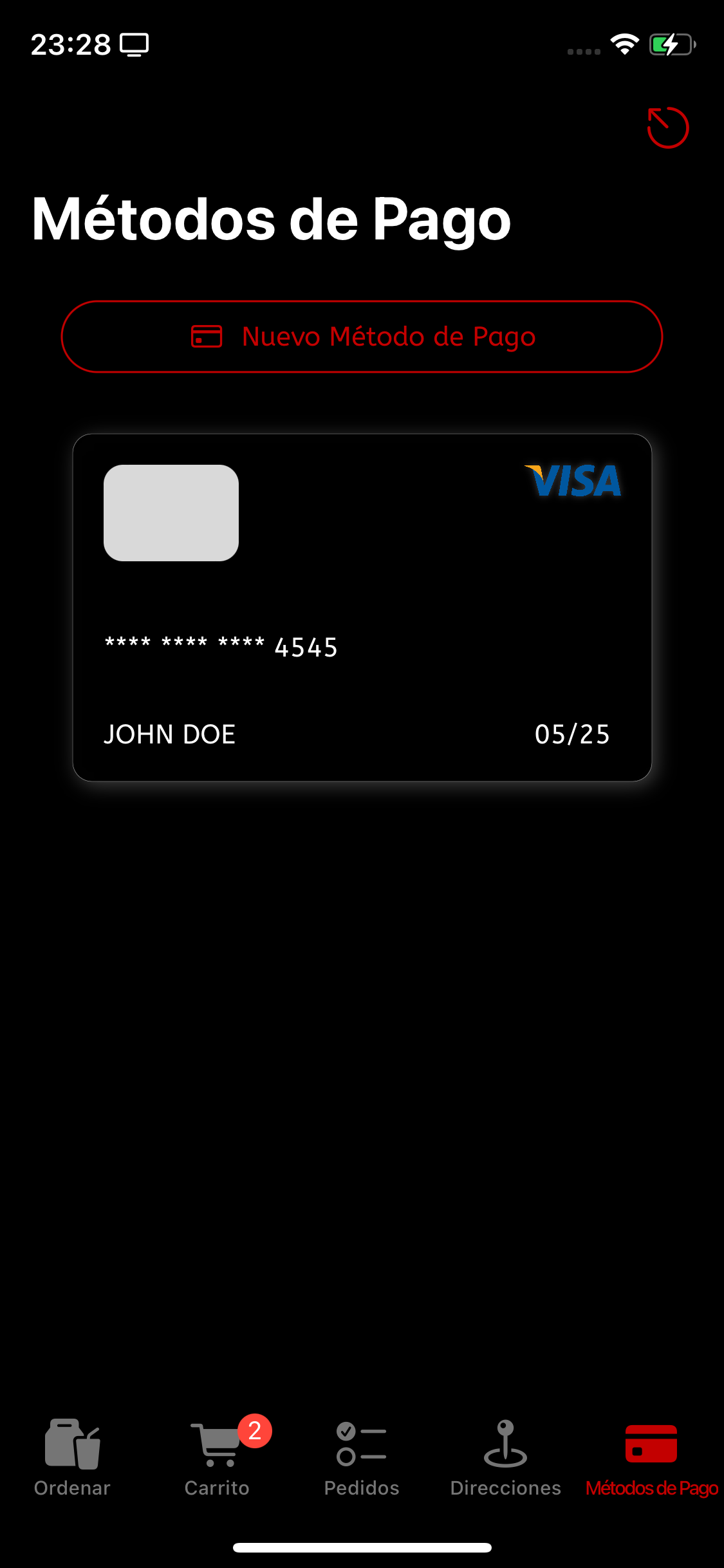
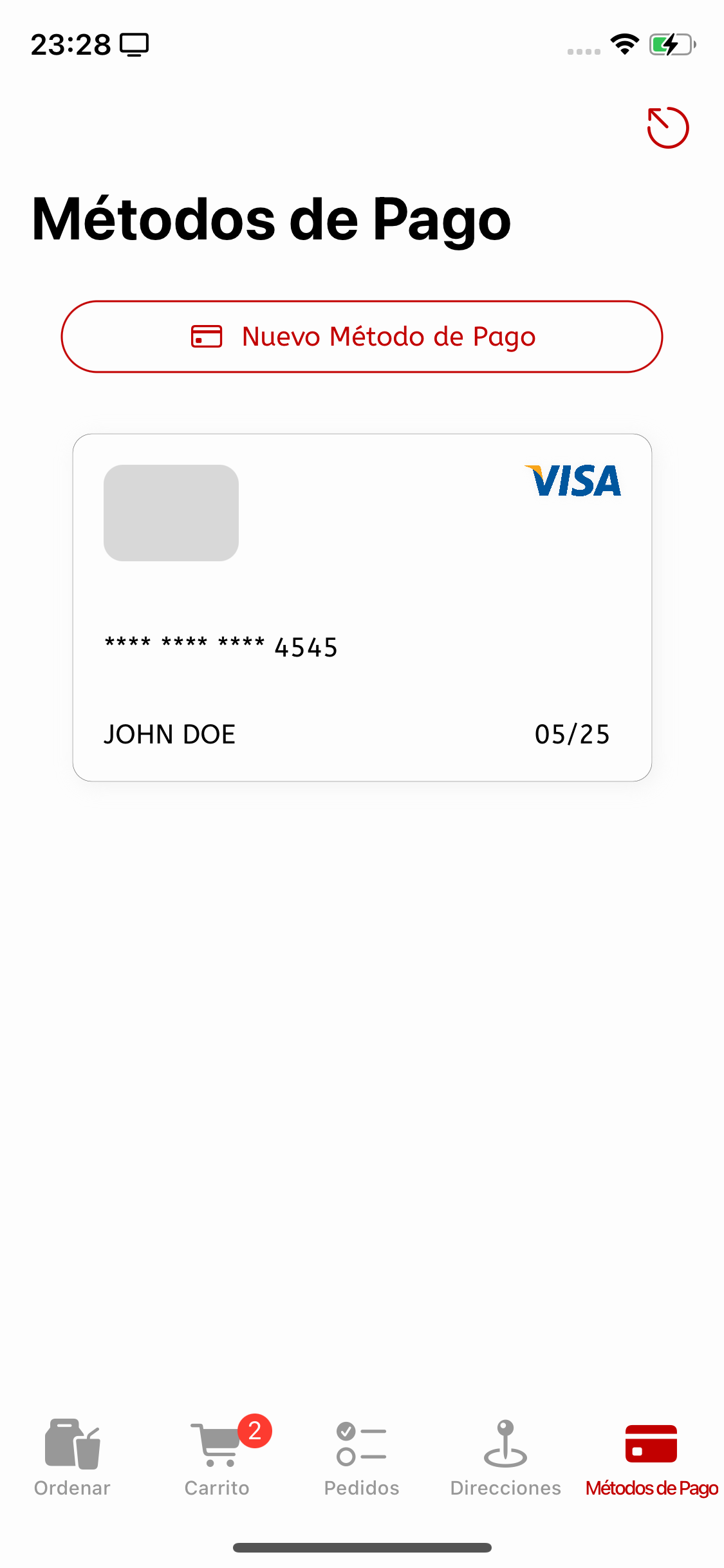
The Payment Methods screen has the same distribution as the Addresses one. as shown on the screenshots below, an animation will appear when there are no payment methods saved for the logged user.
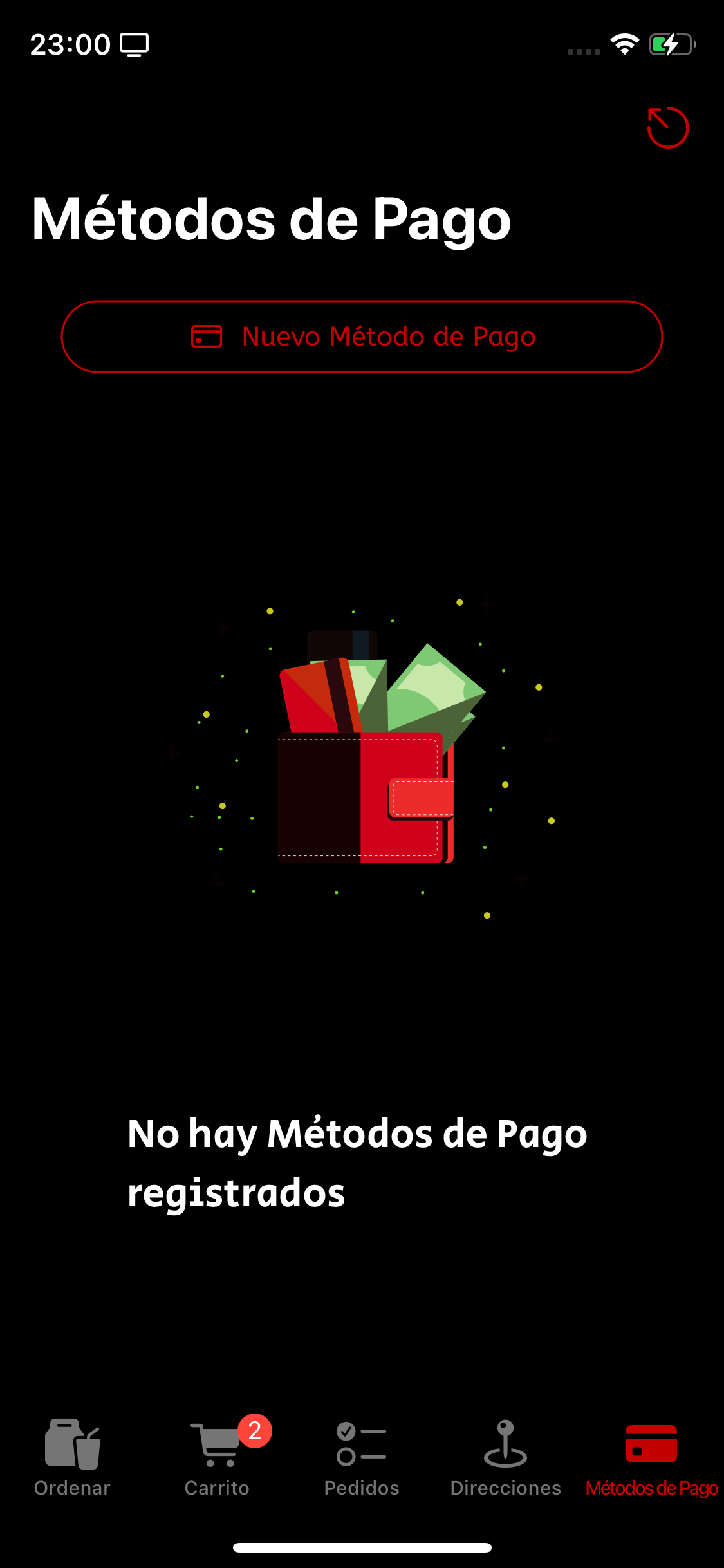
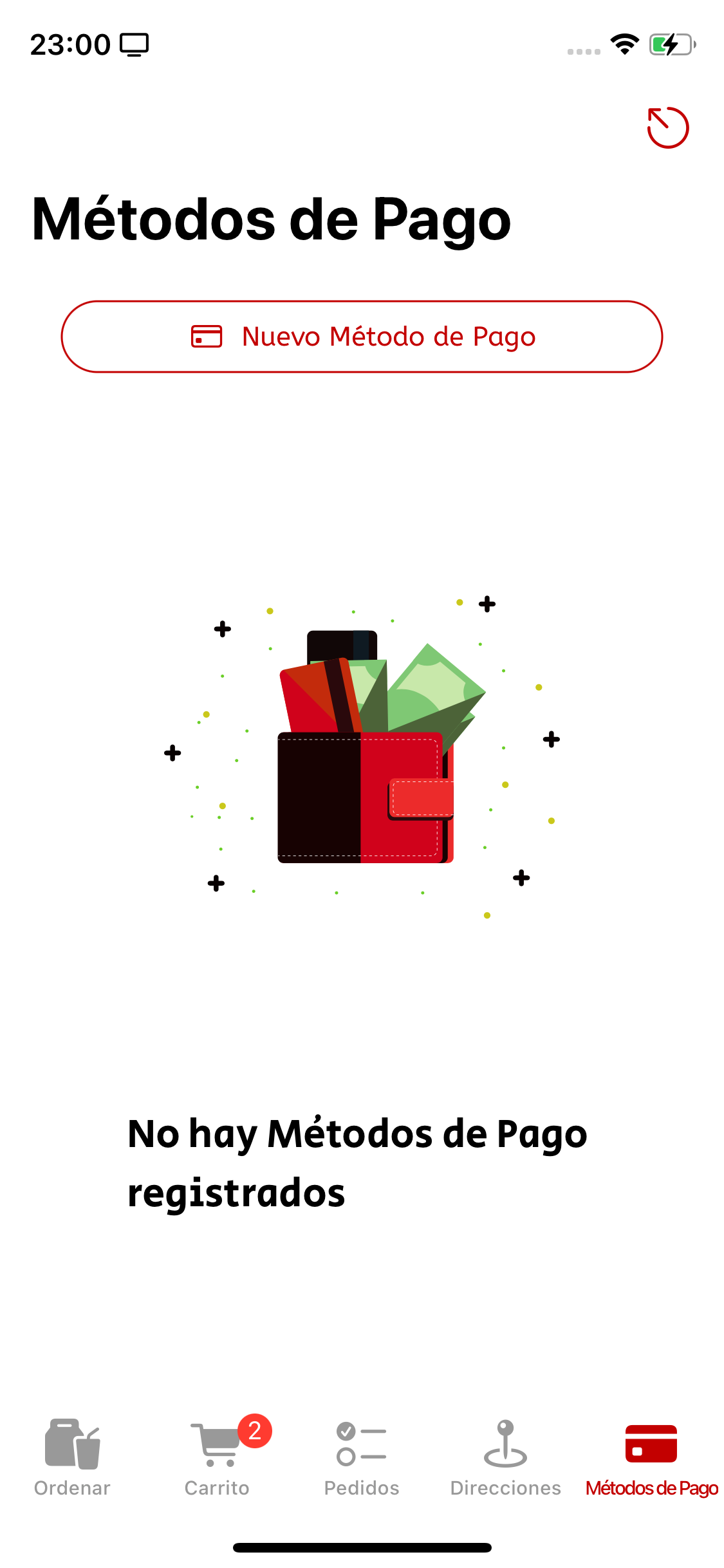
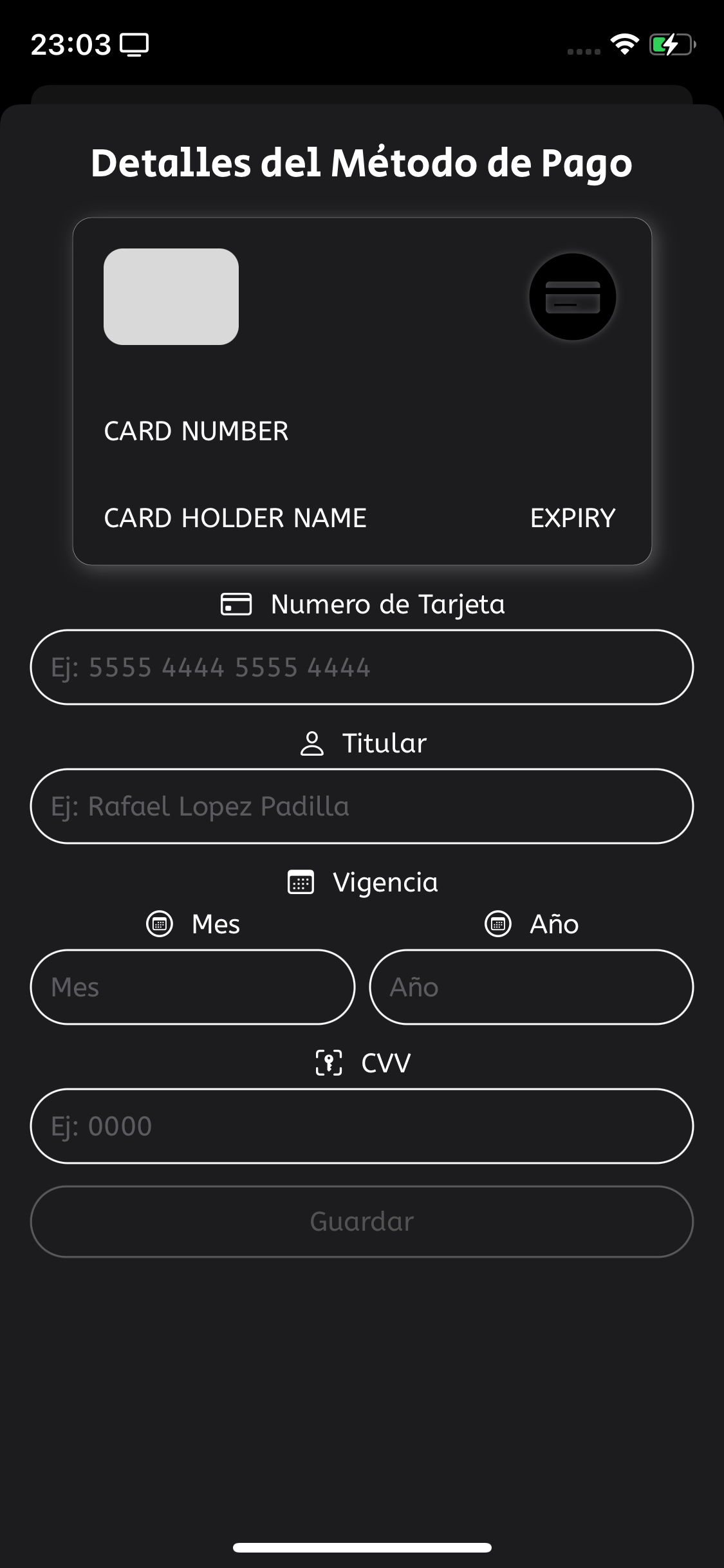
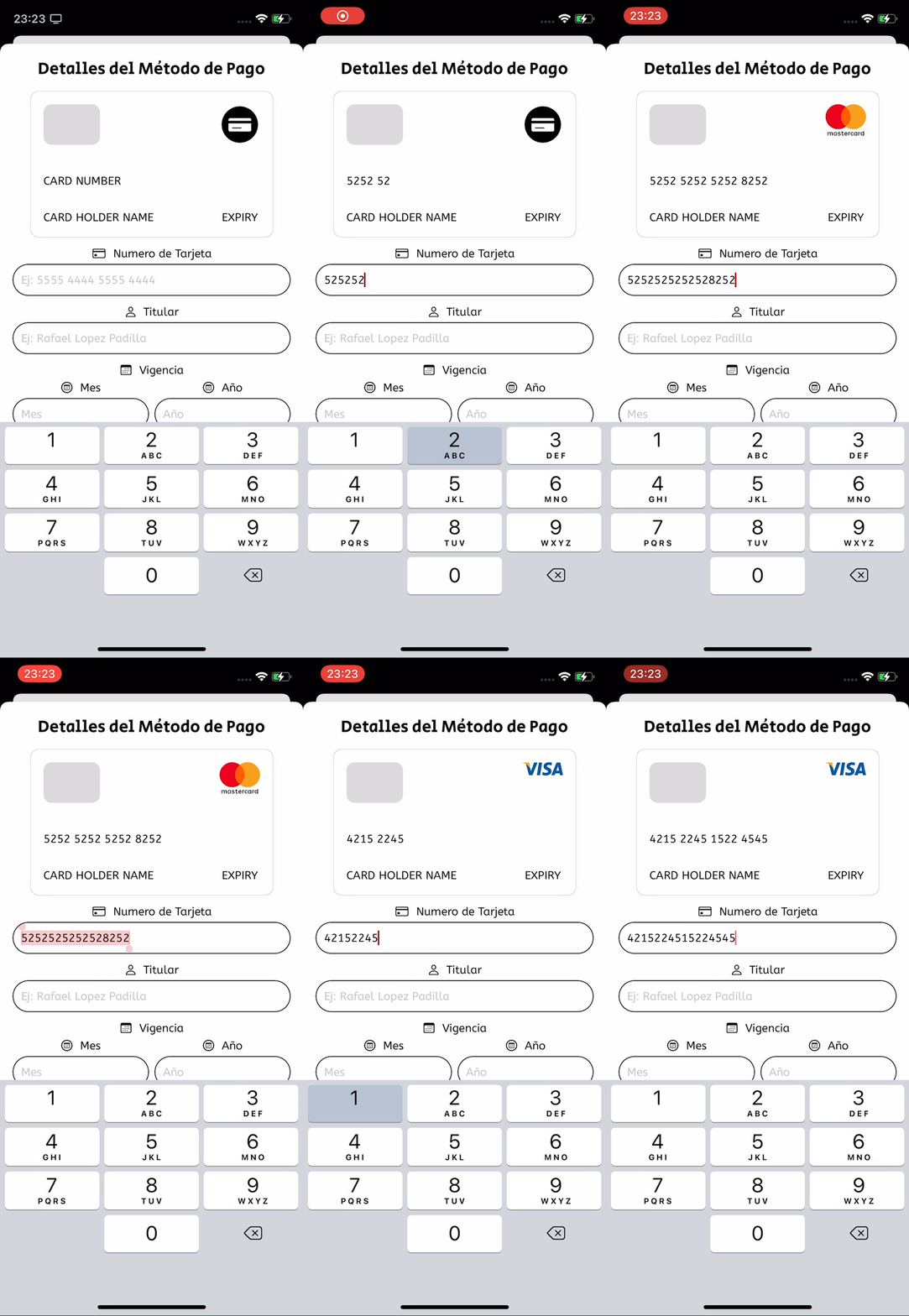
And the Payment Method form looks like this...

The card filps when the cvc gains and loses focus
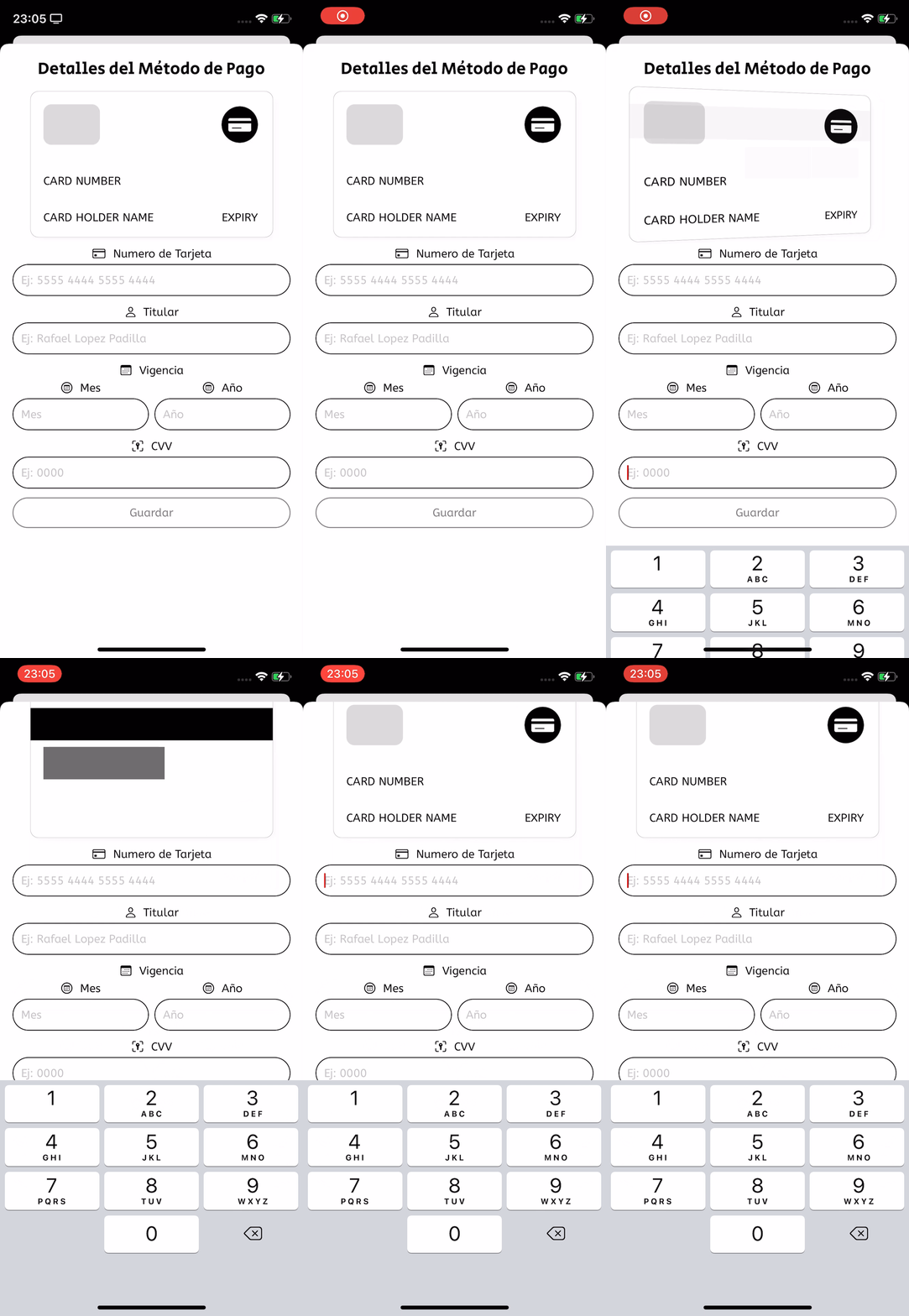
And can differenciate between several card providers.
Once saved, the new Payment Method will appear on the Payment Methods screen...
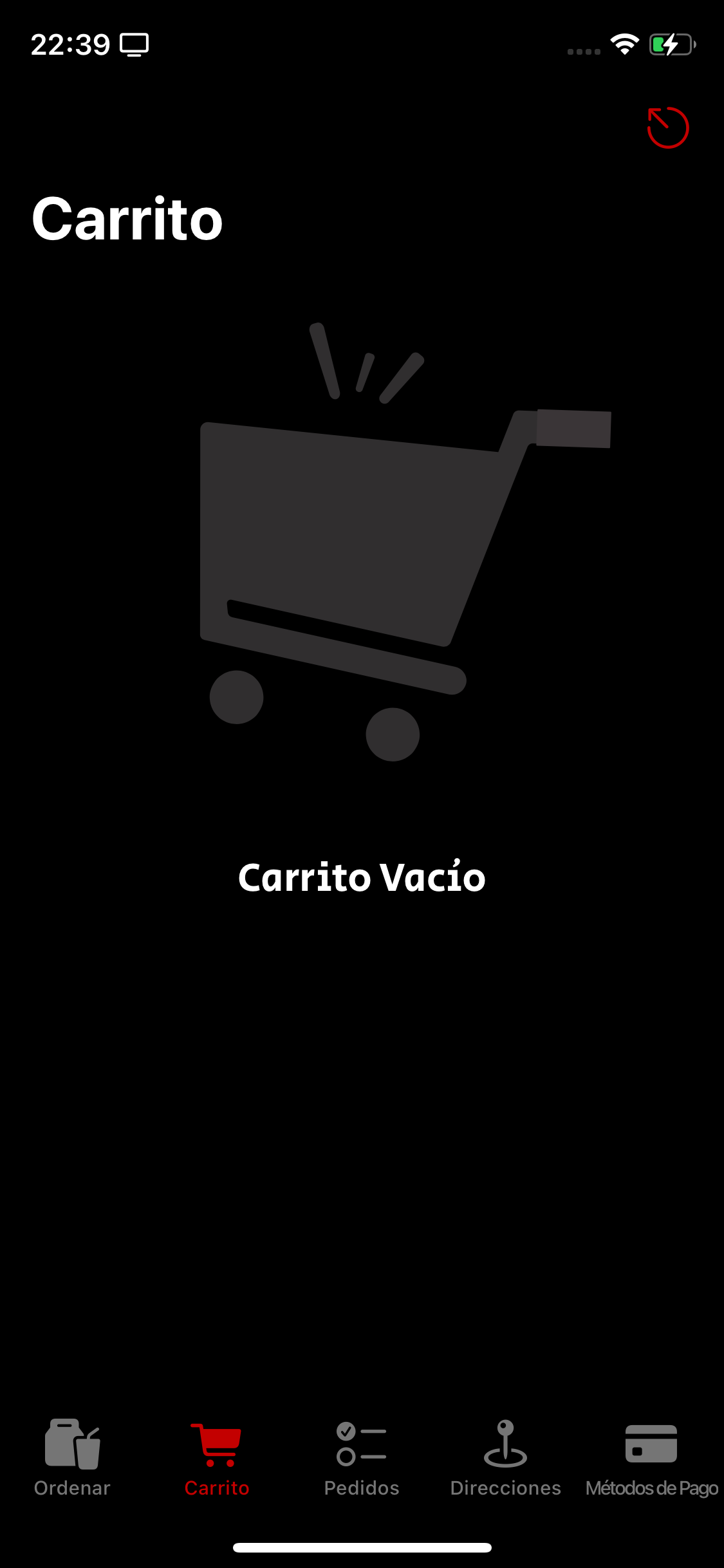
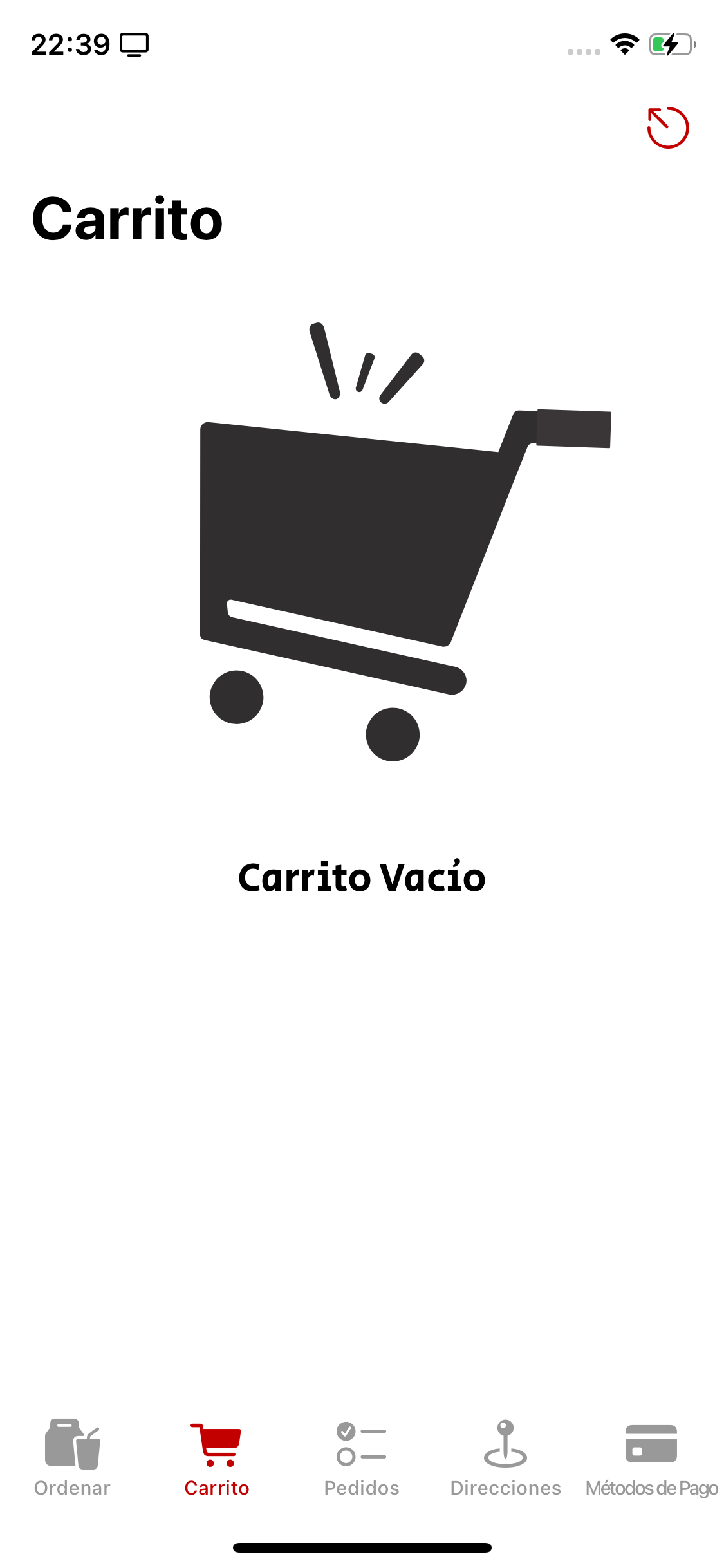
The meals the user has added to their cart will appear here. If there’s no meals added, an animation will be shown instead.
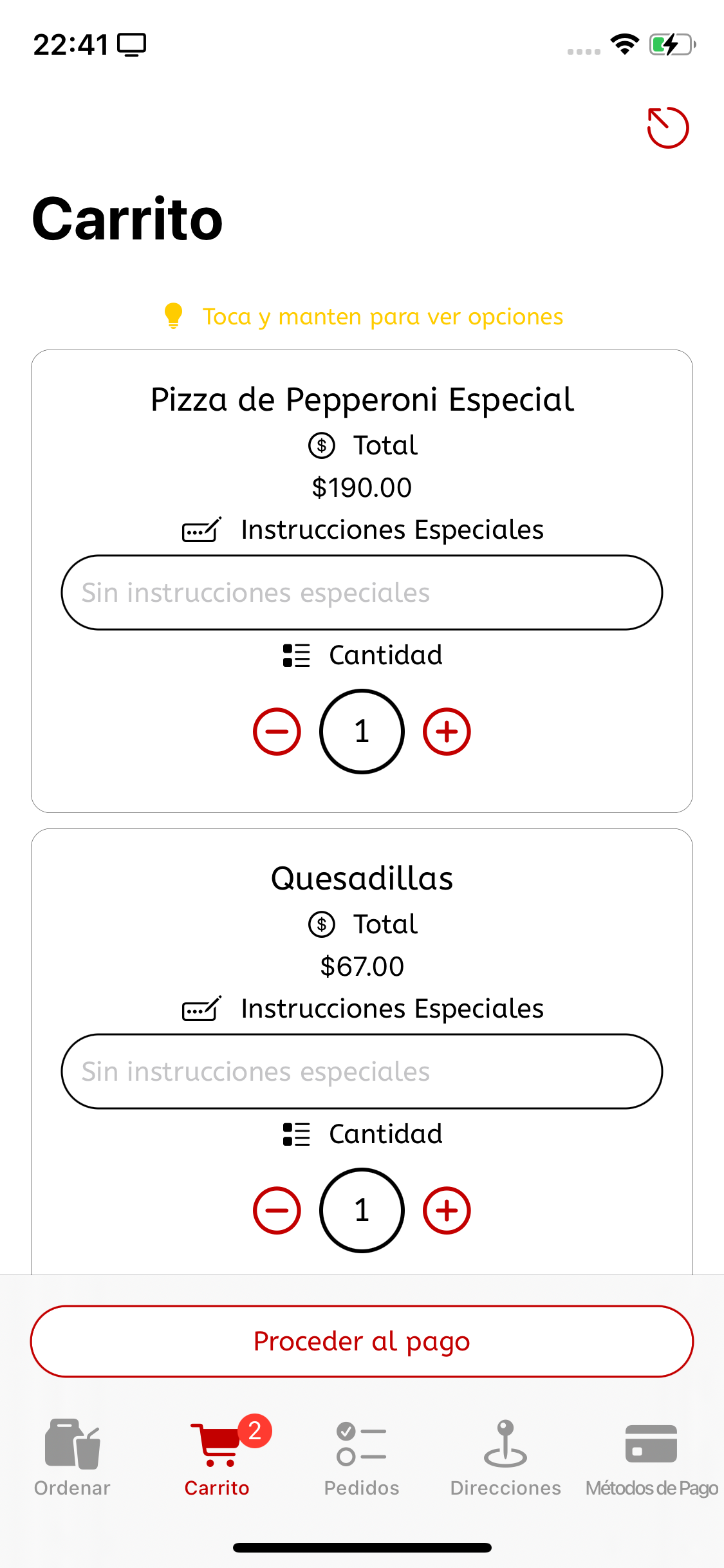
Now with meals on cart!

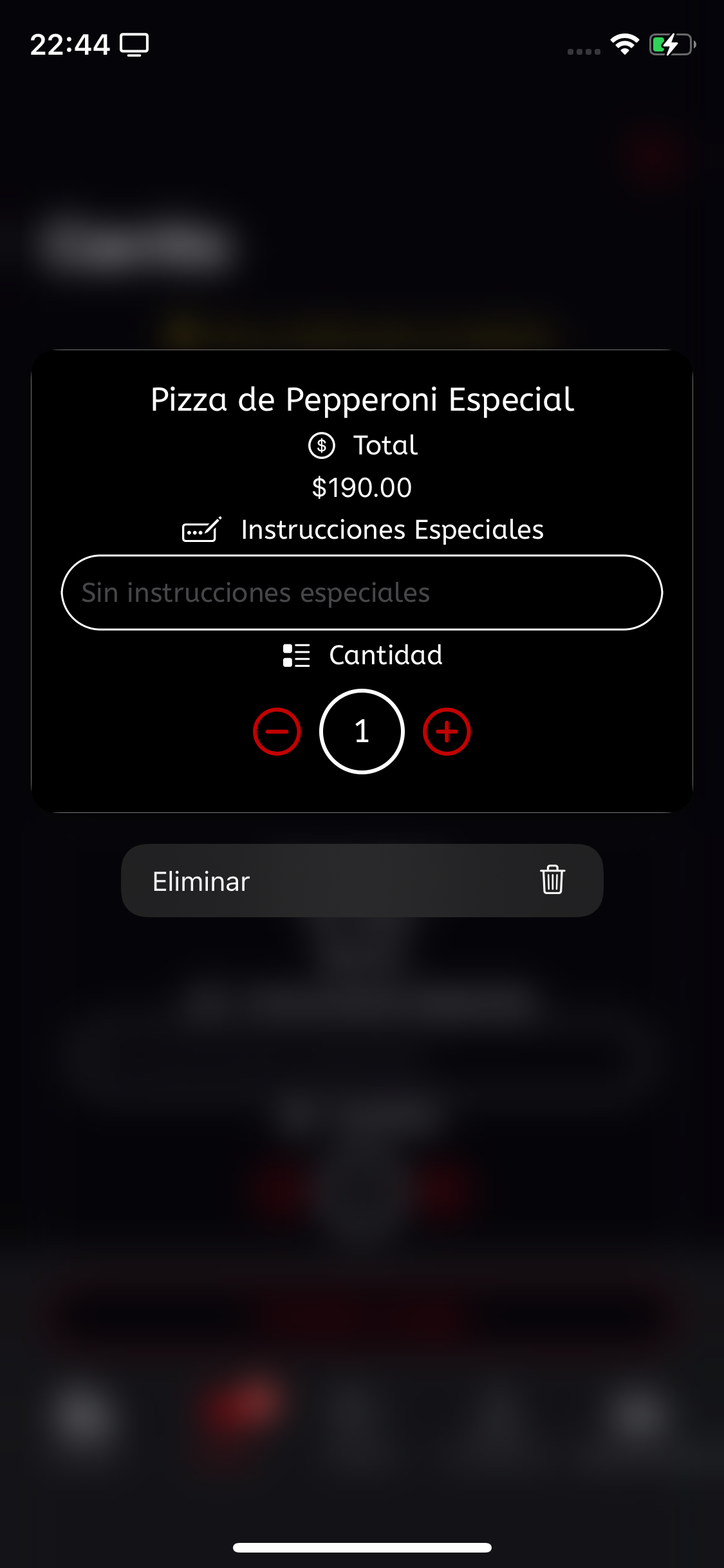
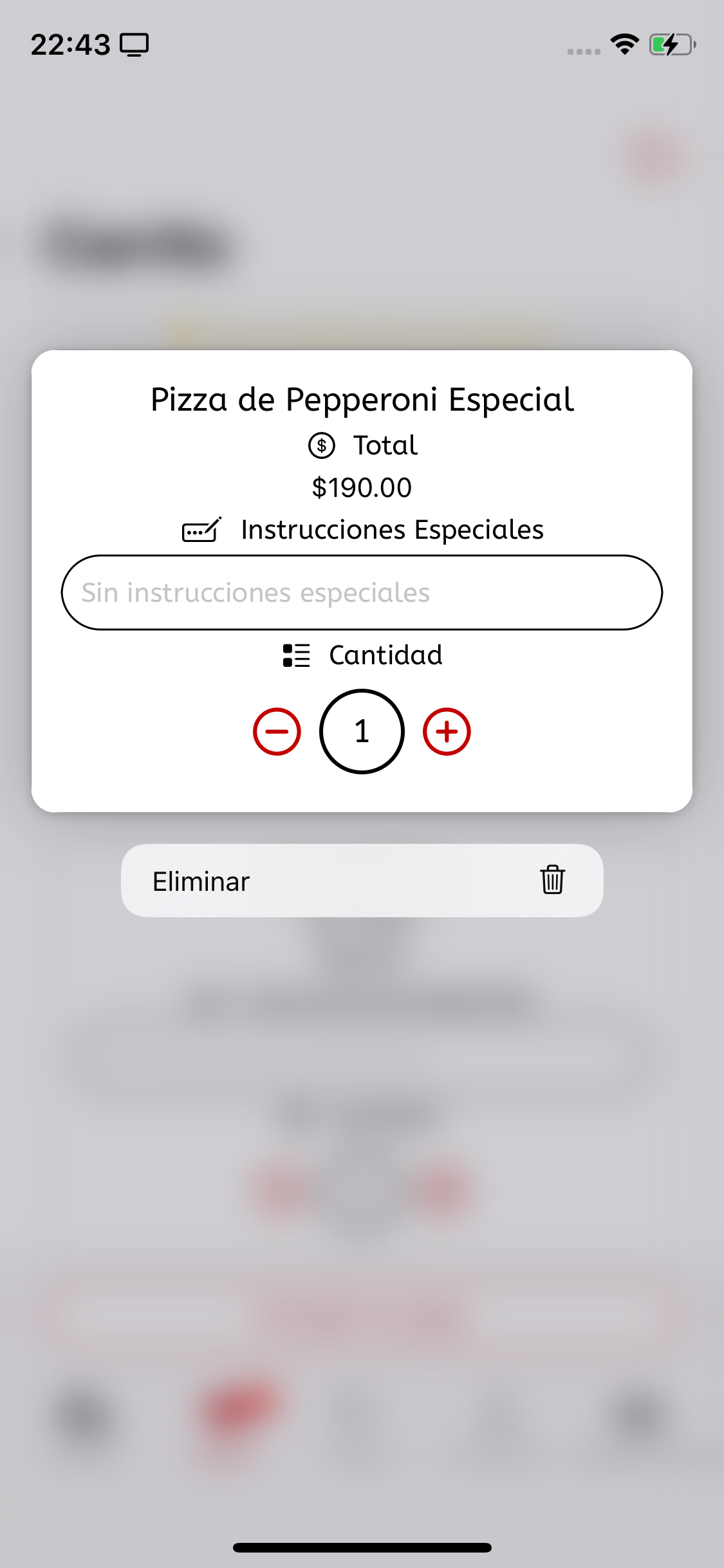
The user can tap and hold or use 3D touch on the cards to reveal options...
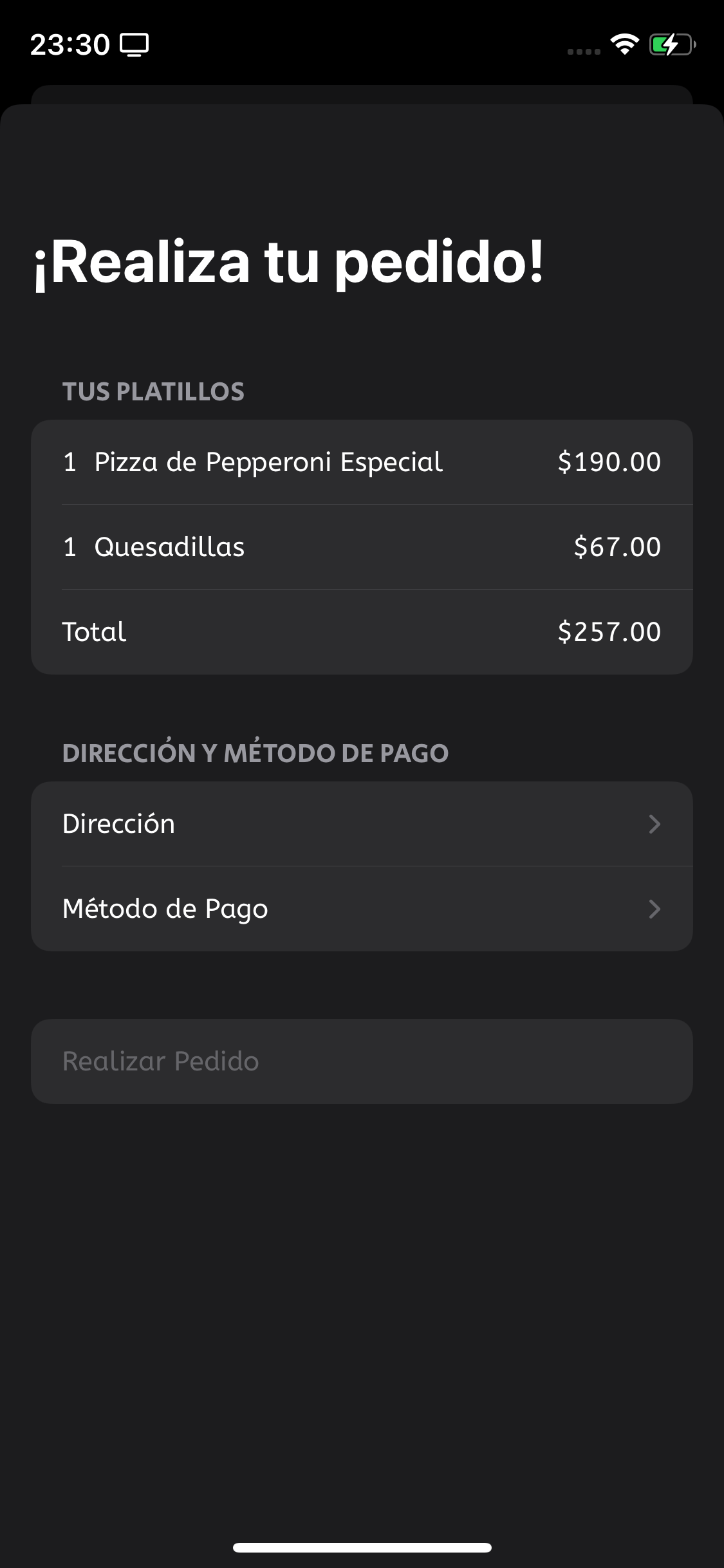
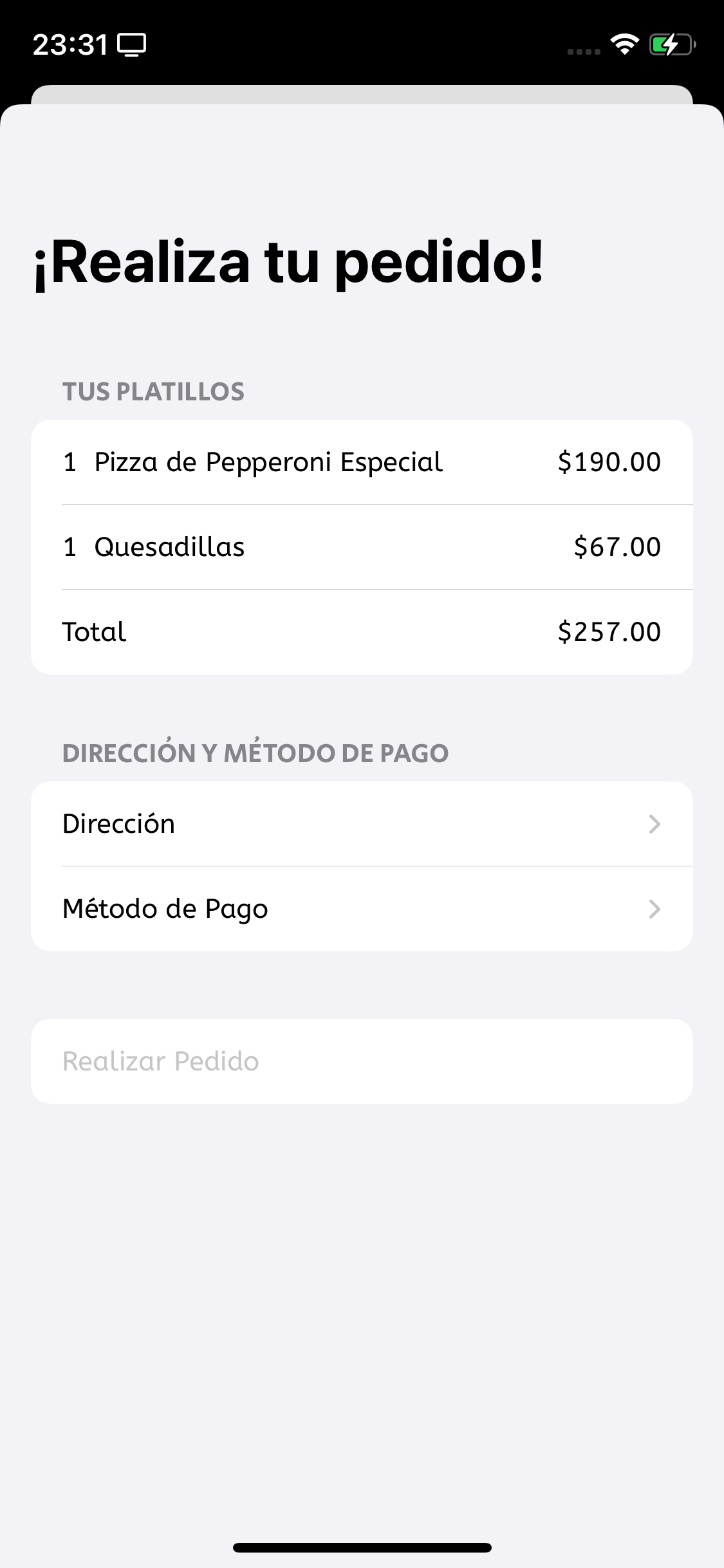
By tapping the button at the bottom the user will open the Place your Order Form
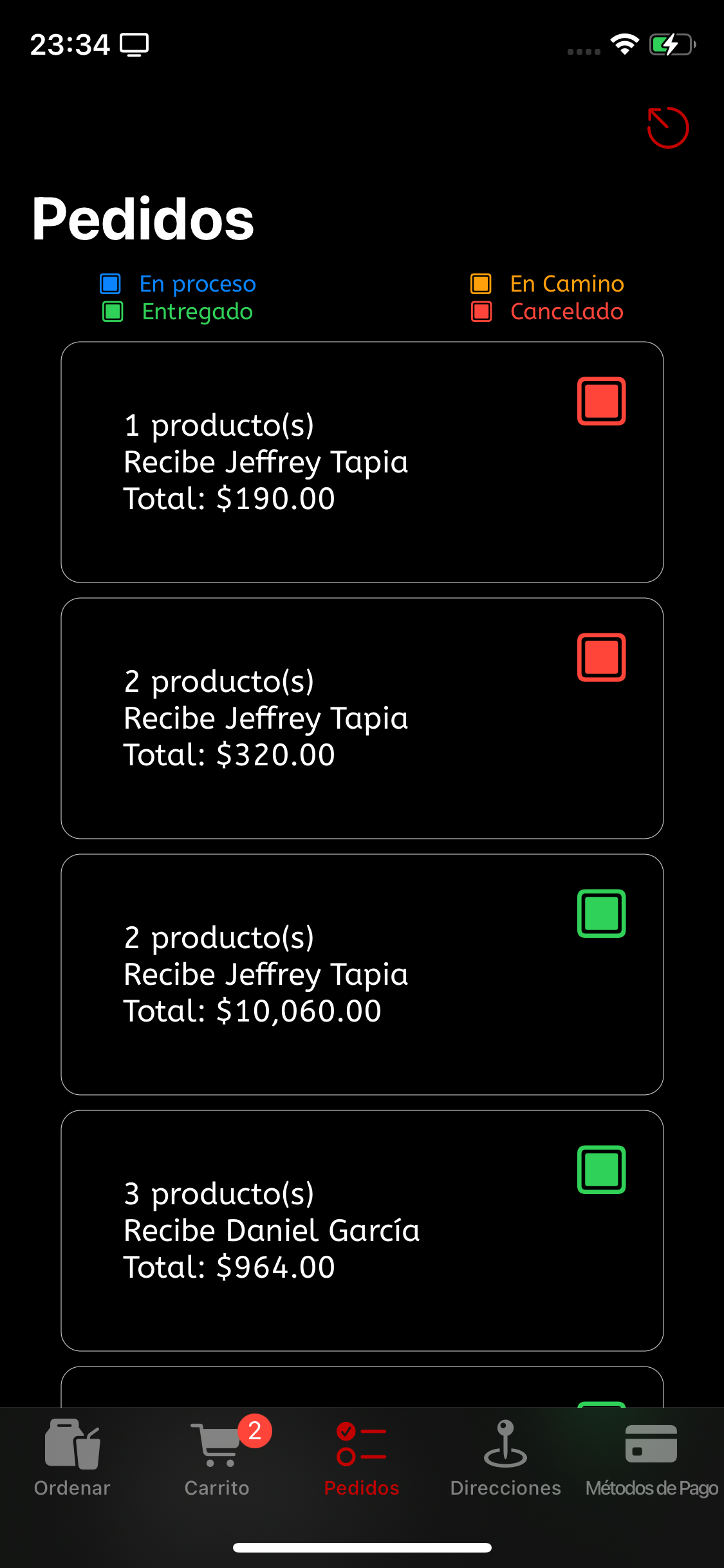
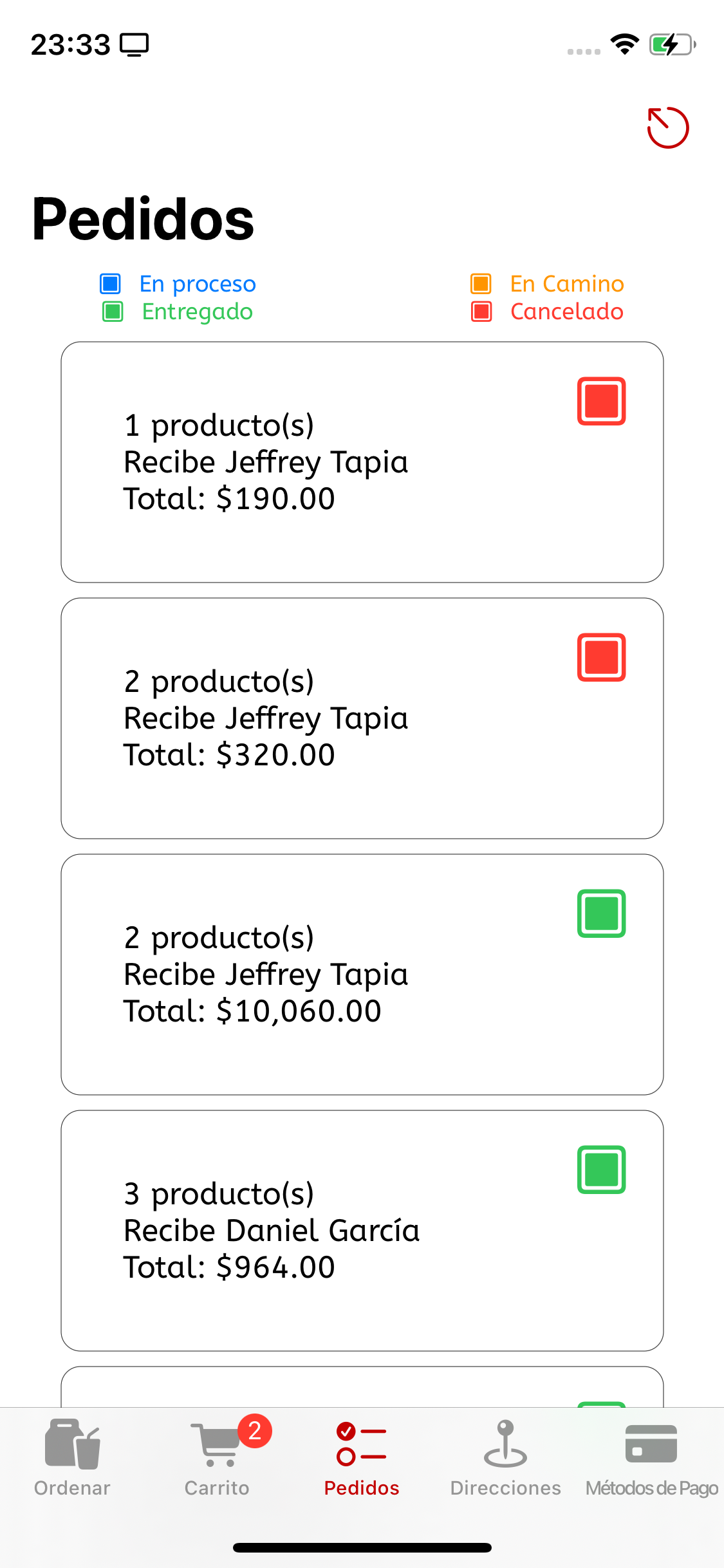
Once the user has placed their order, it can be found in the Orders screen, each of one with a little badge showing the current state of the order, which variates between Placed, On the way, Delivered and Canceld, painted in blue, orange, green and red, respectively.
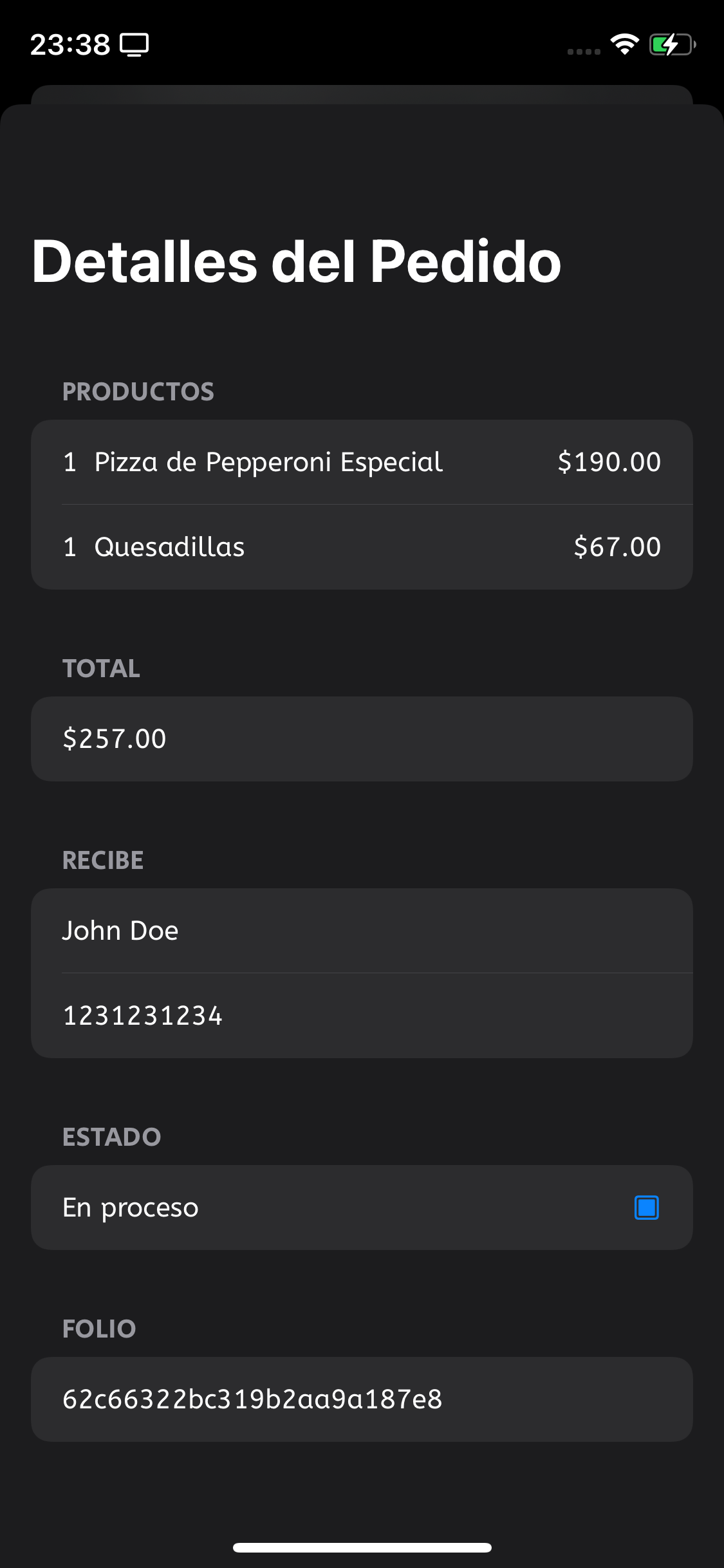
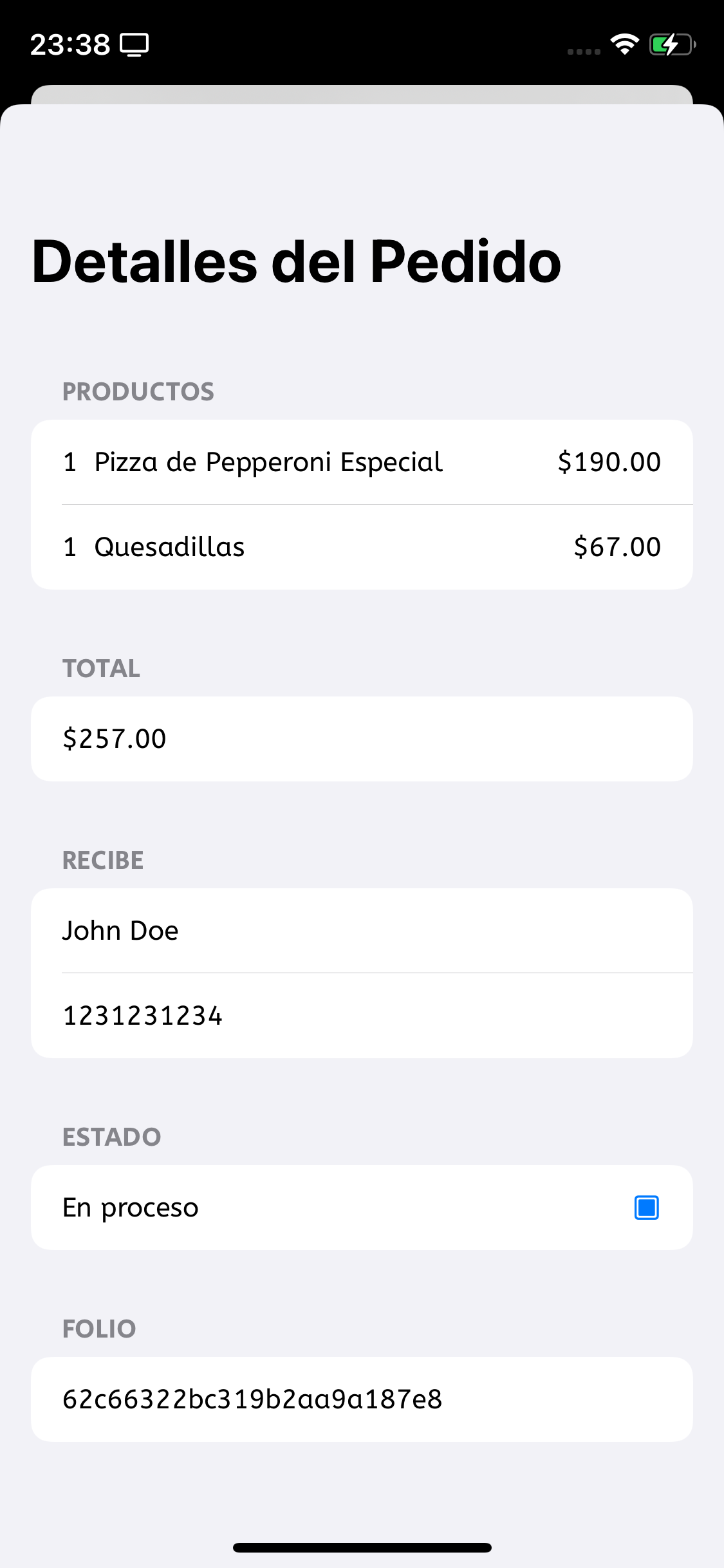
By tapping on any order the user can see the details of the order...