This is my first 3D renderer project. I'm aware this project contains an important amount of bad coding practices and bugs. My intention is not to make this the best 3D renderer.
I'm a noob in this field, so although I have done quite research, I can't be sure that I am not mistaken in some technical concept.
I've always been impressed by how computers are capable of representing a 3D object on a 2D screen. I knew there was a lot of coding and math behind it, but since I hadn't the required knowledge, I had never tried to understand it. Thankfully, last year I started a degree in computer engineering, so I acquired enough math and coding knowledge to try understanding this field of computers.
I started watching youtube videos about the topic and I came across a youtube channel named "javidx9". This guy has a series of 4 videos whhere he teaches the concepts to make a 3D engine from scratch. That was exactly what I was looking for. Thanks to him I've been able to code this simple 3D renderer.
This is a 3D renderer entirely programmed from scratch. It uses the CPU to do all the calculus as the objective was understanding what is the work that GPU and graphic libraries do behind the scenes. It has the ability to interpret an .obj file and render it onto the screen. It can also add a texture to the object.
Here you have the youtube video preview of the project.
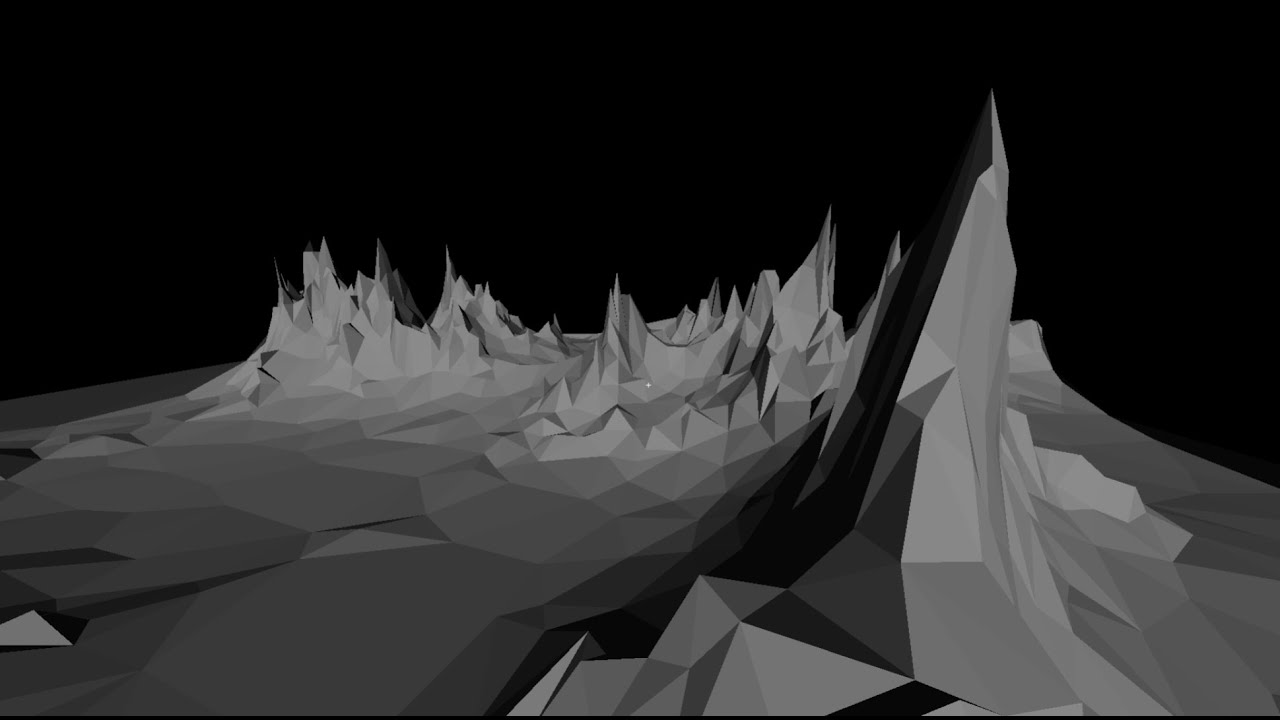
- Load from an .obj file and represent in space a 3D model.
- Add a texture to the model.
- Move to all directions in space to observe the model from every angle possible.
- Enable triangle borders that make up the model to see how the model is formed.
- Enable and disable texture in case the model has one.
- Directional light.
- Triangle clipping when getting too close and when triangles overpass the borders of the screen.
- Texture correction to match the perspective of the camera.
- If the model has a very large amount of vertices the FPS drop heavily.
- It is possible to see parts of the model being overrendered in places they shouldn't. This is due to the simple depth calculus done to sort the triangles. Each triangle has a depth assigned based on the arithmetic mean of the three vertices depth which is very imprecise.
- Only vertices, faces and textures UV information from .obj is interpreted.
- FPS drop when getting too close to the model with texture. This is because of the simple and inefficient method of using a for loop to raster each pixel of the triangles.
.
├── bin
│   └── 3drenderer
├── data
│   ├── model.obj
│   └── textures
│       └── textureMap.png
├── include
│   └── 3drenderer.h
├── makefile
├── README.md
└── source
    ├── 3drenderer.c
    └── main.c
- SDL2 library: Create and paint pixels on the screen. It's also used to catch the keys to control de camera.
- libpng: Read PNG texture file.
- Language and version: C99
- Operating System: Fedora Linux
- Compiler: gcc 14.1.1
- I haven't tried to compile and run this project in another OS different from Linux, so I can't assure that it will work.
The project includes a makefile whith the following rules:
Compile the program:
make
Run the default model with its texture:
make run
Start the gdb debugger with the main.c file:
make debug
Delete all binary files:
make clean
The executable file of the project is stored in the bin directory. It's called "3drenderer".
To render a specific model is necessary to add the .obj file into the data directory and then add the following parameter when executing:
./3drenderer objectfilename
This is in case the 3D model doesn't contain texture information.
If the model has texture info, you can either render the model with texture or without.
In both cases you need to add the texture flag:
./3drenderer objecfilename -t
In that case the model will be rendered without texture applied. If you want to add the texture, you have to specify the texture file name as below:
./3drenderer objecfilename -t texturefilename
The texture file must be in ./data/textures/.
These are the keys assigned to control the camera and the options of the rendering:
| Action | Key |
|---|---|
| Move Forward | W |
| Move Backward | S |
| Move Left | A |
| Move Right | D |
| Move Up | Space |
| Move Down | Left Shift |
| Look Up | Up Arrow |
| Look Down | Down Arroy |
| Look Right | Right Arrow |
| Look Left | Left Arrow |
| Enable/Disable texture | T |
| Enable/Disable borders | B |