The Open Bank Project Hola App is a reference implementation of the OAuth2 authentication and consent flow. It demonstrates and tests OBP authentication, consent creation and data access via OBP API. It supports UK, Berlin Group, and OBP styles. Hola is written in Java / Spring Boot.
Hola App supports multiple OIDC providers:
- OBP-OIDC (default) — the Open Bank Project's built-in OIDC provider
- Ory Hydra — via Ory Hydra and OBP Hydra Identity Provider
A working Hola App setup can be used to drive automatic tests using OBP Selenium.
Check out the code from this repository and build it by running mvn clean package inside the main folder.
The resulting JAR file of Hola App will be in the target folder.
Assuming OBP-API server URL is: apisandbox.openbankproject.com
Assuming Hydra server URL is: oauth2.openbankproject.com
-
retrieve OBP API and Hydra server certificates:
openssl s_client -servername apisandbox.openbankproject.com -connect apisandbox.openbankproject.com:443 </dev/null 2>/dev/null | openssl x509 -inform PEM -outform DER -out obp-api.ceropenssl s_client -servername oauth2.openbankproject.com -connect oauth2.openbankproject.com:443 </dev/null 2>/dev/null | openssl x509 -inform PEM -outform DER -out hydra.cer -
import both certificates to truststore.jks:
keytool -import -alias api -keystore truststore.jks -file obp-api.cerkeytool -import -alias hydra -keystore truststore.jks -file hydra.cer
If mTLS is enabled on the OBP API instance, the client key needs to be signed by OBP API client CA. Else, any self-signed certificate will do. Continuing assuming you have client.key and client.crt:
-
convert client key and cert to client-cert.p12:
openssl pkcs12 -export -in client.crt -inkey client.key -certfile user.crt -out client-cert.p12 -
import client-cert.p12 to keystore.jks:
keytool -importkeystore -srckeystore client-cert.p12 -srcstoretype pkcs12 -destkeystore keystore.jks
Create application.properties according to application.properties.example:
oauth2.providerselects the OIDC provider. Set toobp-oidc(default) orhydra.oauth2.public_urlis the URL of the OAuth2 server. For OBP-OIDC this defaults tohttp://localhost:9000/obp-oidc.obp.base_urlis the main URL of the OBP instance.- Fill in the locations and passphrases of the previously created keystore and truststore into
mtls.keyStoreandmtls.trustStoreprops - Register a new API key on the OBP instance, e.g. https://apisandbox.openbankproject.com/consumer-registration and copy and paste all props below "OAuth2:" into
application.properties:oauth2.client_idoauth2.redirect_urioauth2.client_scopeoauth2.client_secret(for OBP-OIDC or Hydra with client_secret)oauth2.jws_alg(Hydra only, for private_key_jwt)oauth2.jwk_private_key(Hydra only, for private_key_jwt)
- All other props can be left at default values.
OBP-OIDC uses client_secret authentication and supports the code response type. No JWK private key configuration is needed:
oauth2.provider=obp-oidc
oauth2.public_url=http://localhost:9000/obp-oidc
oauth2.client_id=your_client_id
oauth2.client_secret=your_client_secretTo use Hydra, set the provider and configure either client_secret or jwk_private_key (not both):
oauth2.provider=hydra
oauth2.public_url=https://oauth2.openbankproject.com/hydra-public
oauth2.client_id=your_client_id
oauth2.client_secret=your_client_secretThe quickest way to build and run:
./build_and_run.shThis will build with Maven and start the app. You can pass Spring Boot arguments, e.g.:
./build_and_run.sh --oauth2.provider=hydra --oauth2.public_url=https://oauth2.example.comOr manually:
mvn clean package -DskipTests
java -jar target/obp-hola-app-0.0.29-SNAPSHOT.jar
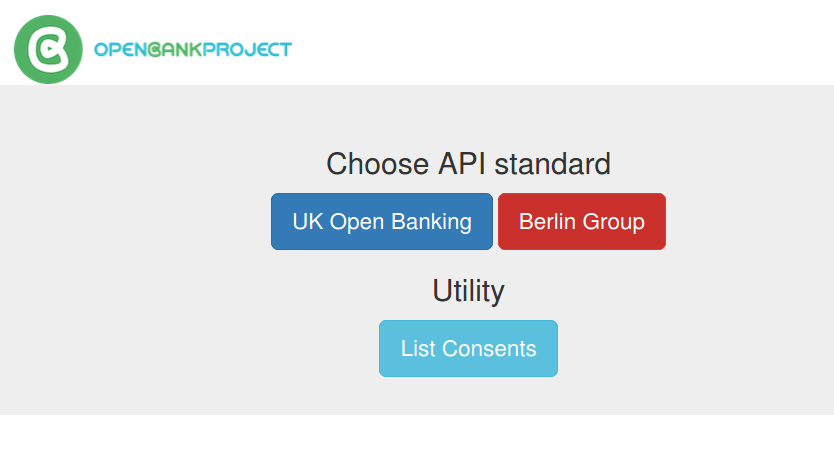
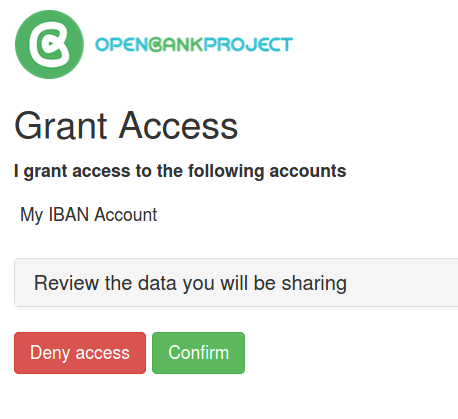
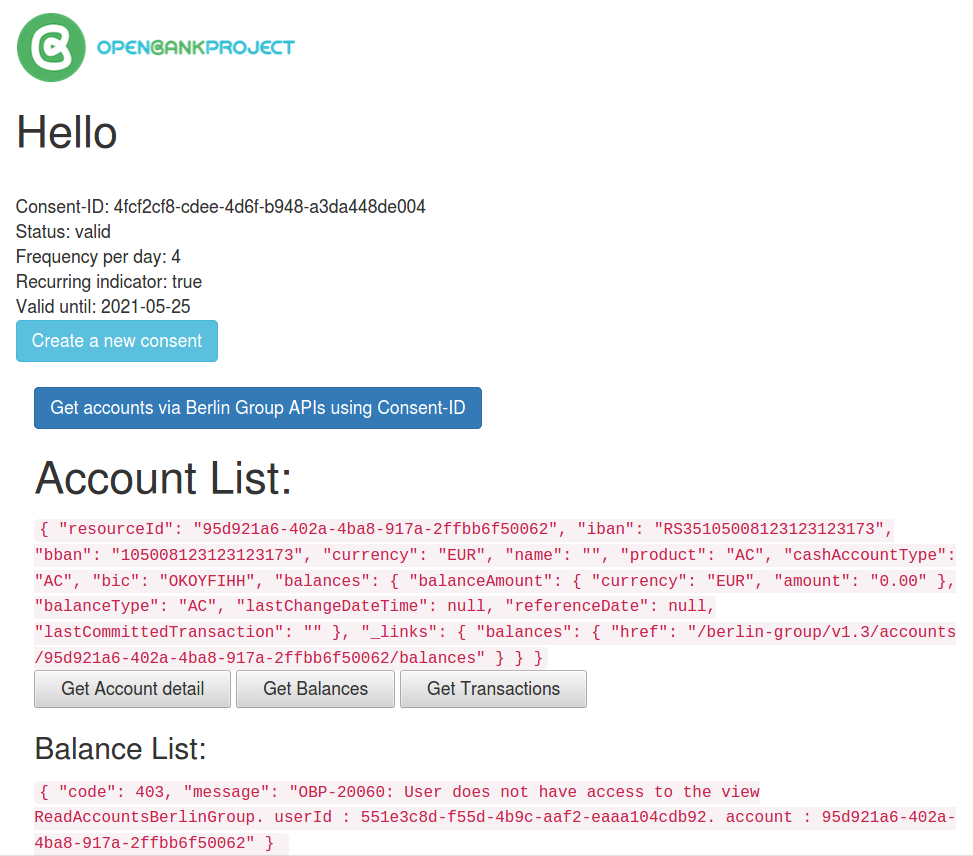
While the app is running, point your browser to the configured port on localhost (e.g. http://localhost:8087) to start the consent flow.
The included Dockerfile will build Hola using Maven and create an image.
Please see application.properties.docker for all vars to pass to the container for configuration. Key environment variables include:
OAUTH2_PROVIDER—obp-oidc(default) orhydraOAUTH_2_PUBLIC_URL— URL of the OIDC providerOAUTH2_CLIENT_ID,OAUTH2_CLIENT_SECRET— client credentials

Copyright TESOBE GmbH 2020