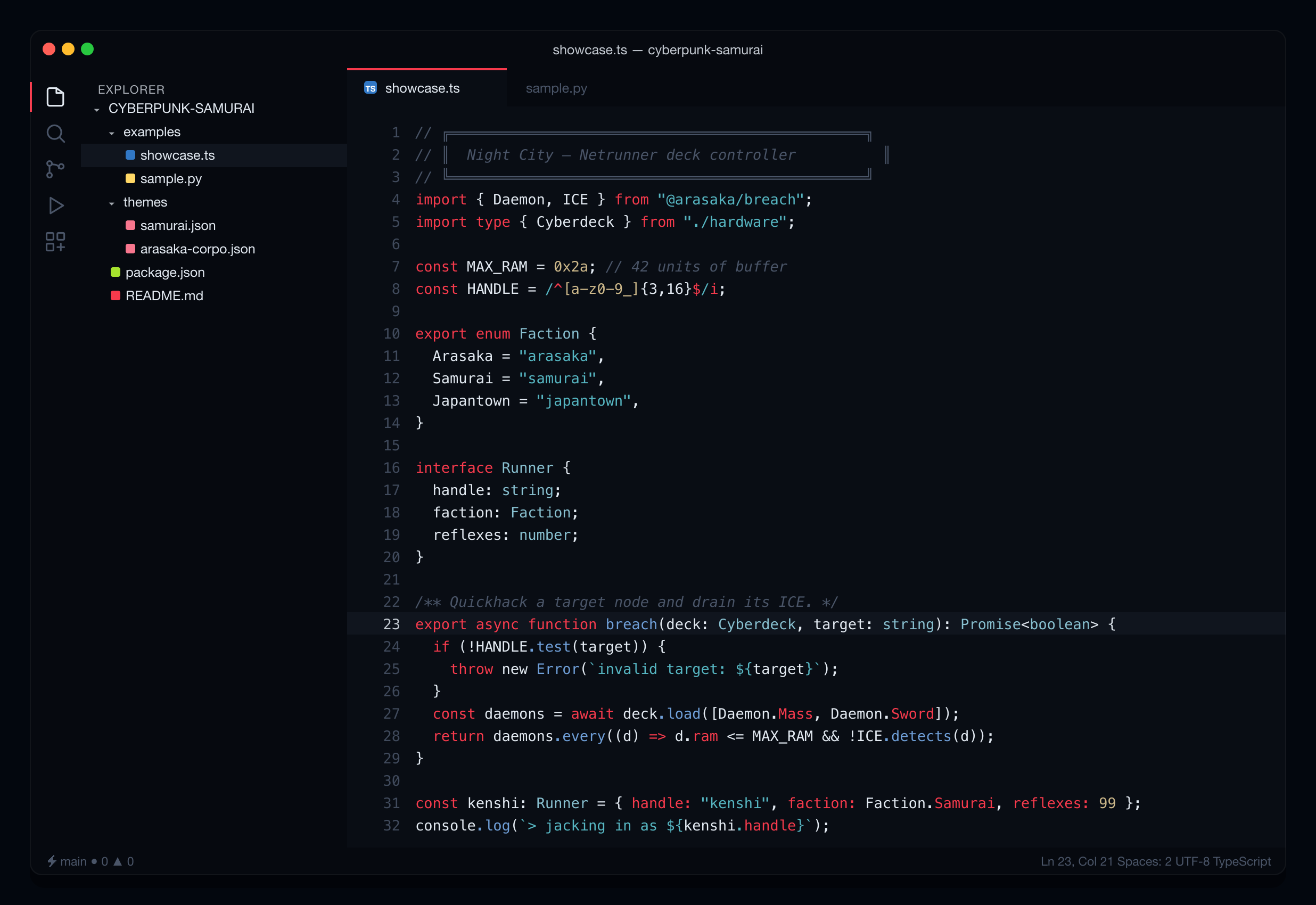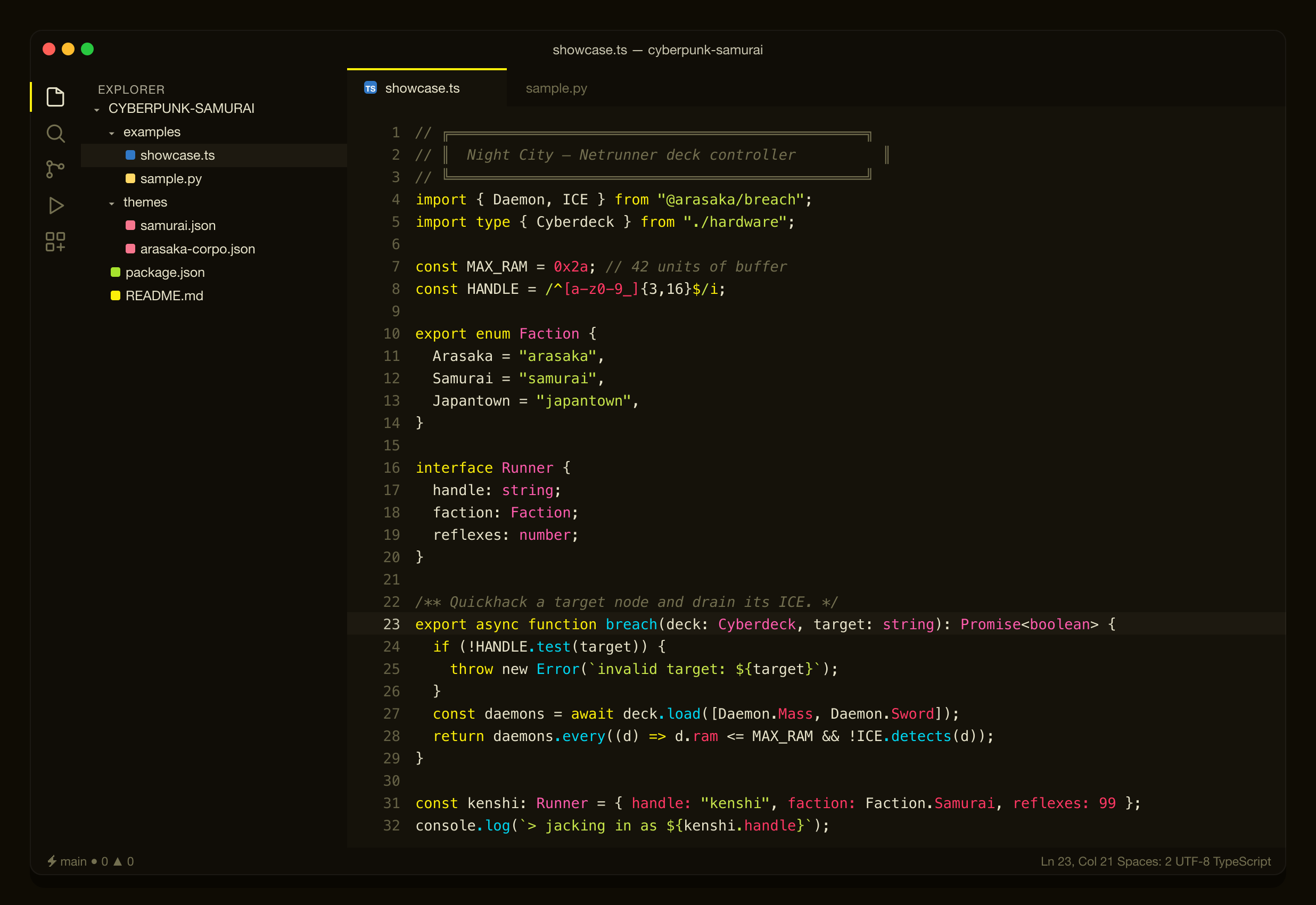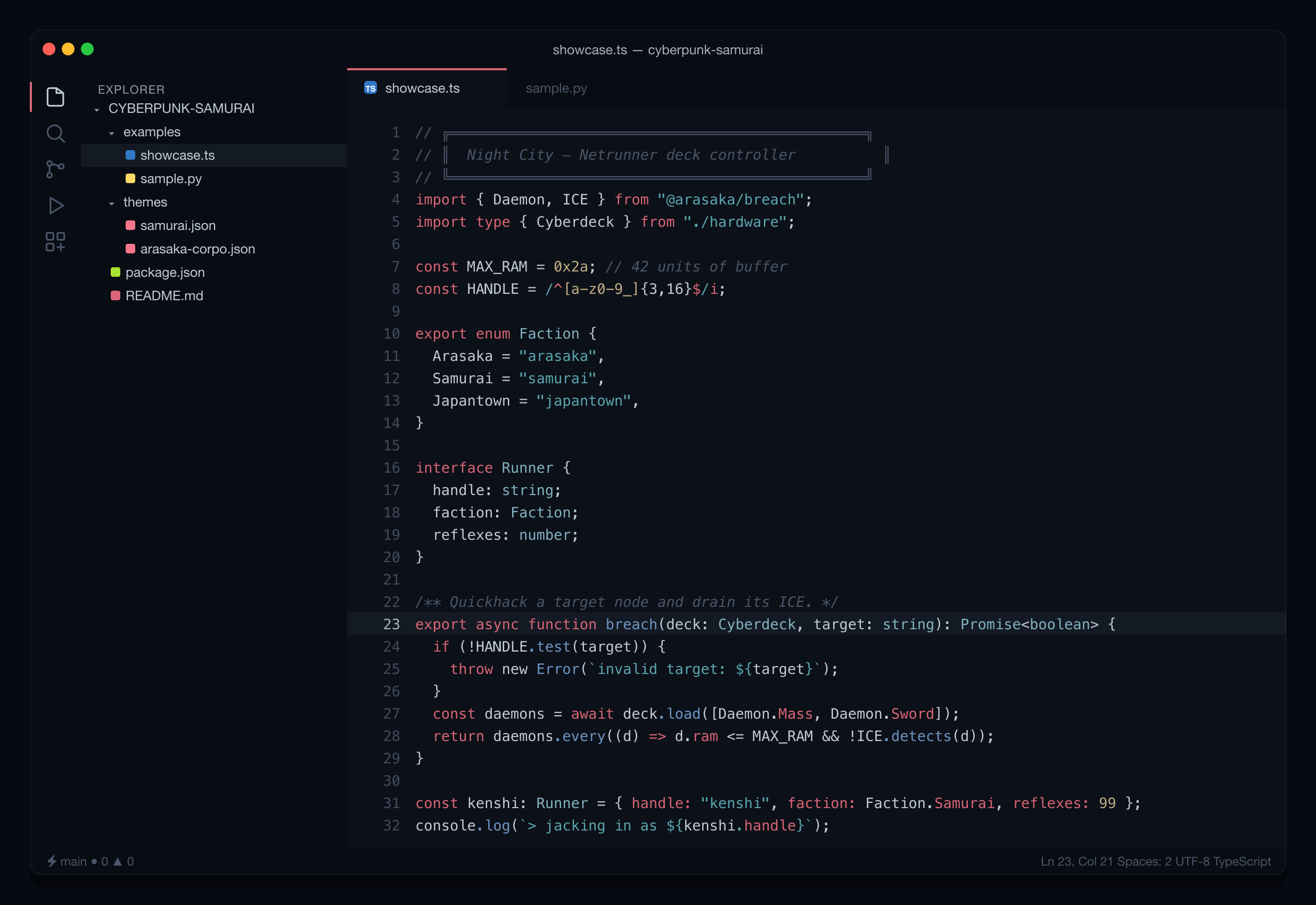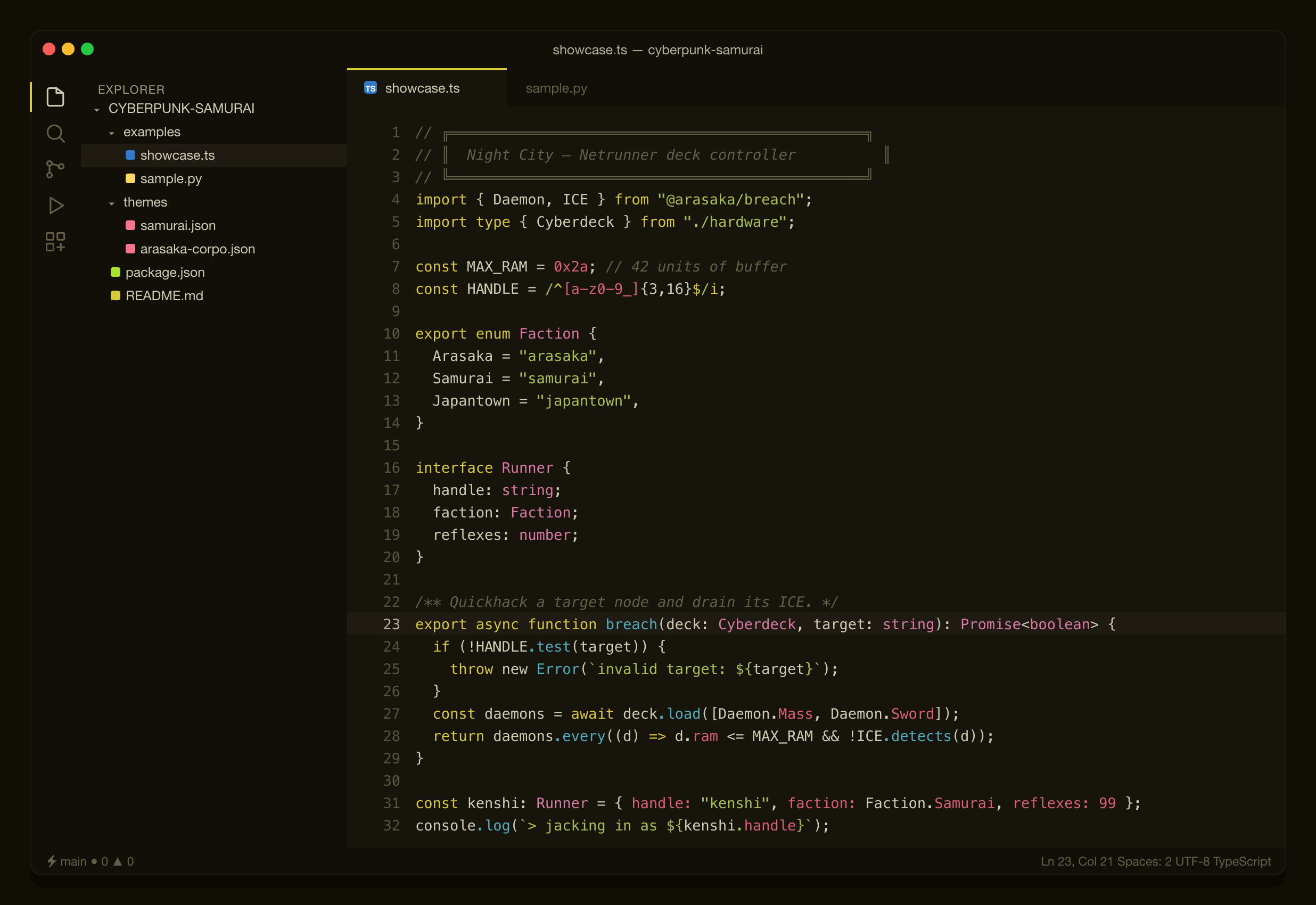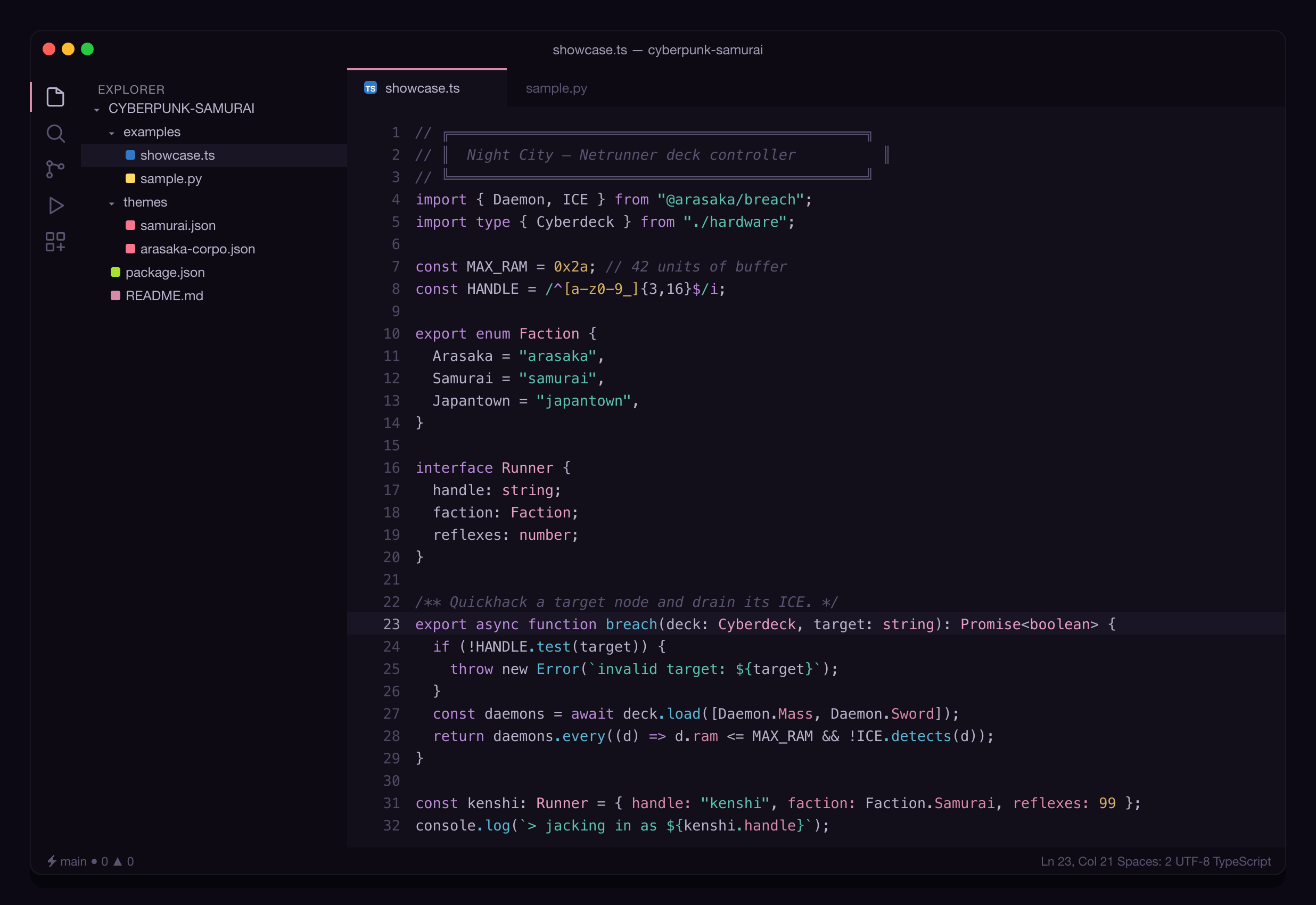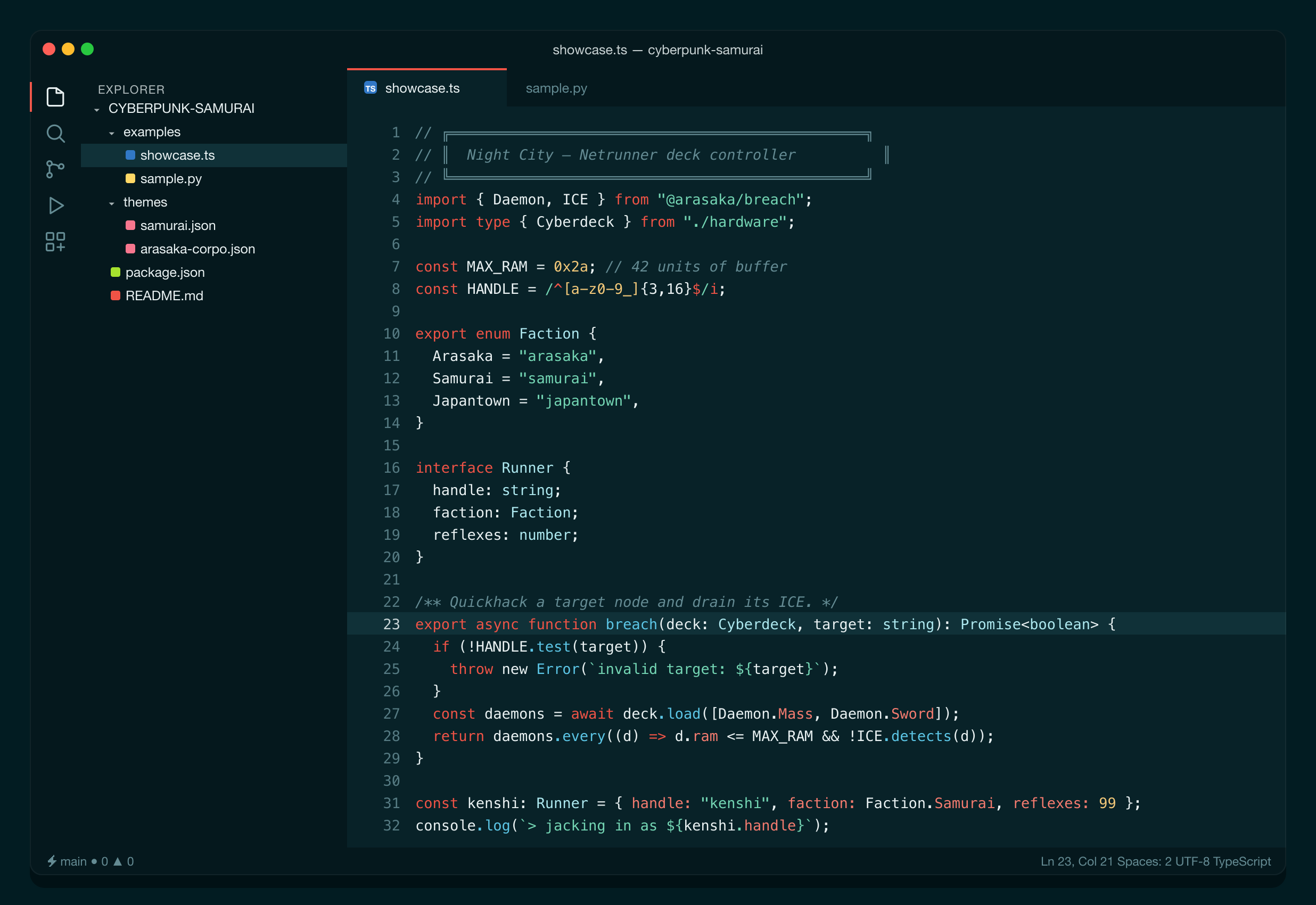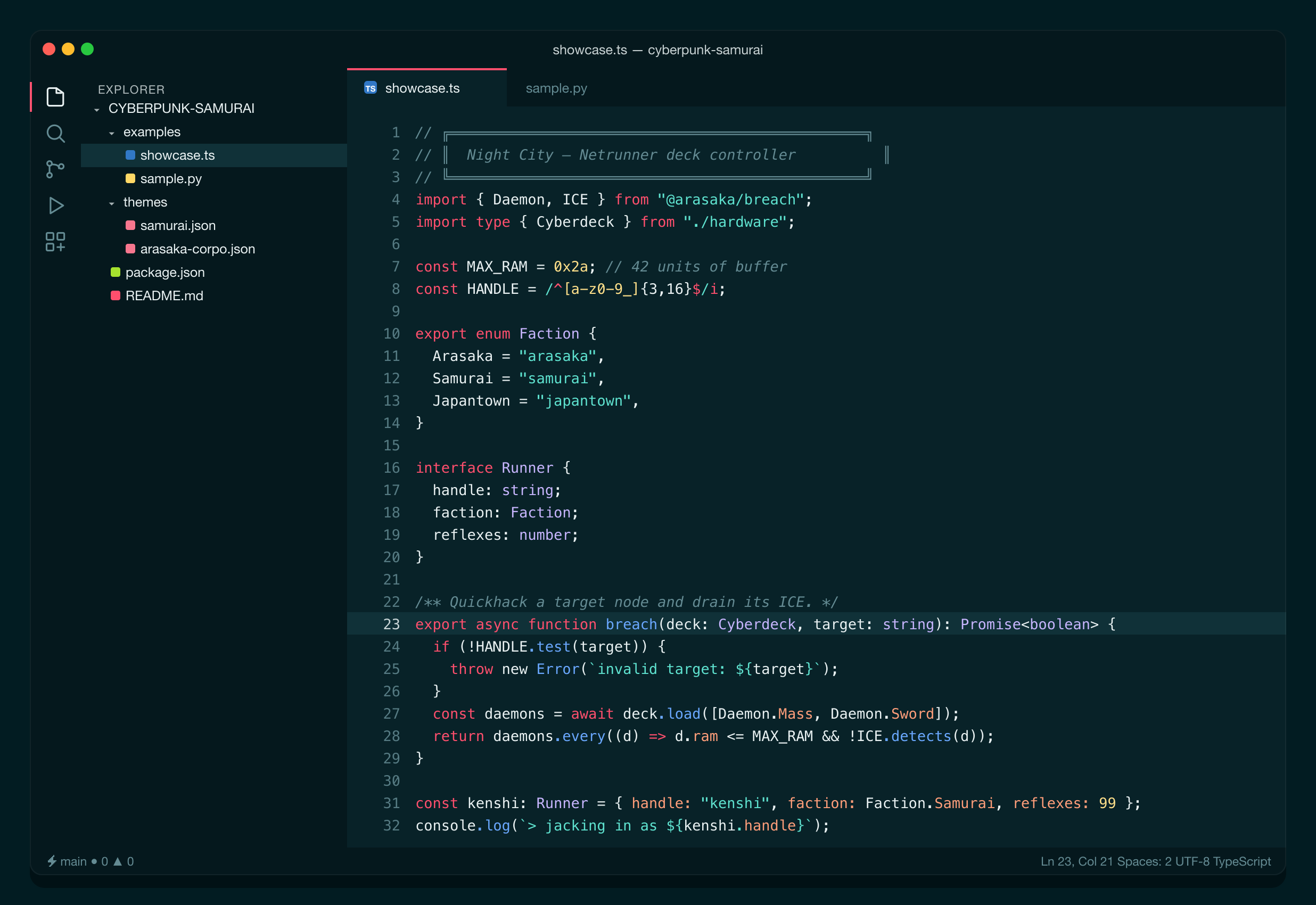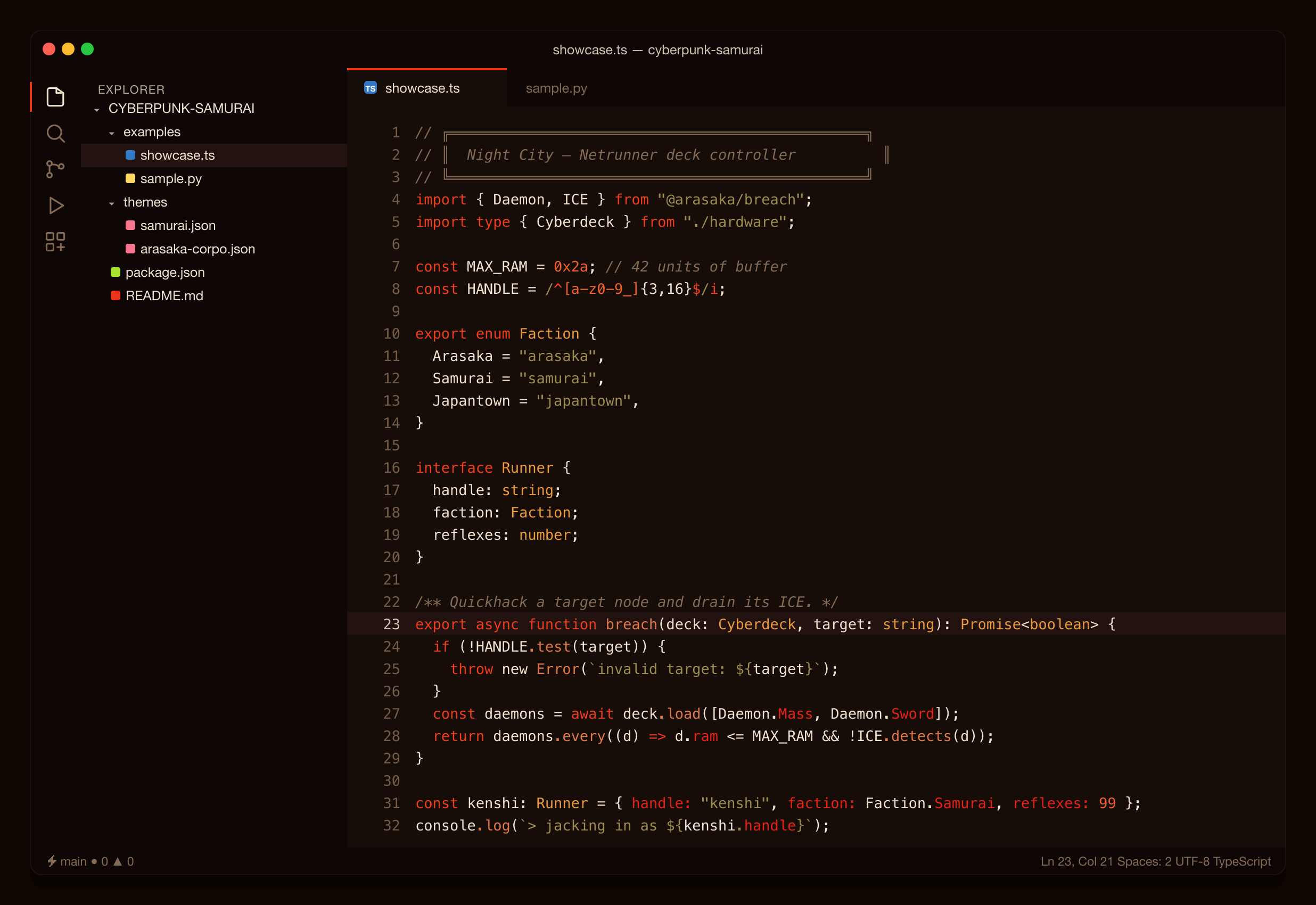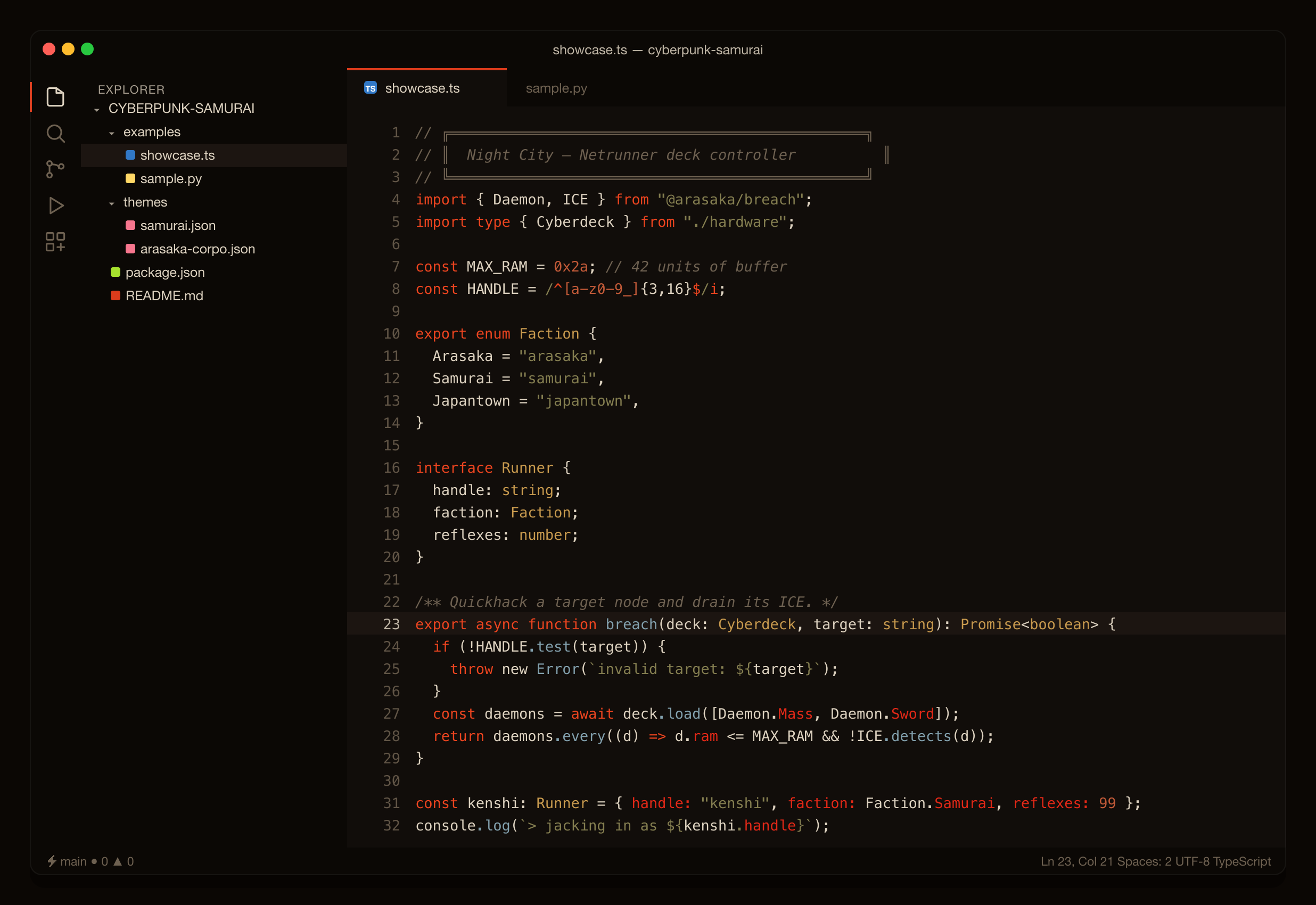
VS Code themes for Night City — inspired by the comfort of One Dark, with neon accents kept to the chrome so they're easy on the eyes for long sessions.
- Marketplace: search "Cyberpunk Samurai" in the Extensions view.
- From file:
code --install-extension cyberpunk-samurai-<version>.vsix
Then: Ctrl/Cmd+K Ctrl/Cmd+T → pick a "Cyberpunk Samurai" theme.
{
  "editor.semanticHighlighting.enabled": true,
  "editor.bracketPairColorization.enabled": true
}Nine dark themes across five families:
- Arasaka — Arasaka Corpo, Arasaka Dim
- Samurai — Samurai, Samurai Dim
- Tyger Claw
- Trauma Team — Trauma Team, Trauma Team Holo (new) — petrol-teal medbay, coral-red alerts
- Maelstrom — Maelstrom, Maelstrom Chrome (new) — blood, rust, and cold chrome
All shots show the same TypeScript file (examples/showcase.ts) so you can compare the palettes directly.