
- Save history of all copied and cut items
- Paste from history
- Clear all history
- Remove selected item from history
- Cycle all copied items for pasting without picking one by one
Type Clipboard in the command palette to view all commands.
Ctrl+C copies and Ctrl+X cuts the selected item. These override the default shortcuts to save the item to clipboard. If nothing is selected, the entire line will be saved.
Ctrl+V pastes the most recent item.
Ctrl+Alt+P opens dropdown for pasting item from a list of copied items.
Ctrl+Shift+V Loops through available copied items and pastes it one at a time as user presses key binding continuously.
Ctrl+Alt+V D opens the clipboard delete settings. Use the arrow keys to scroll and press Enter to remove a selected item. The "Clear History" option will erase all items from history.
You can also add custom keyboard short cuts by following the instructions in the customization documentation.
clipboard.size is the maximum number of items saved in the clipboard. The default is 12, but this can be changed in settings.
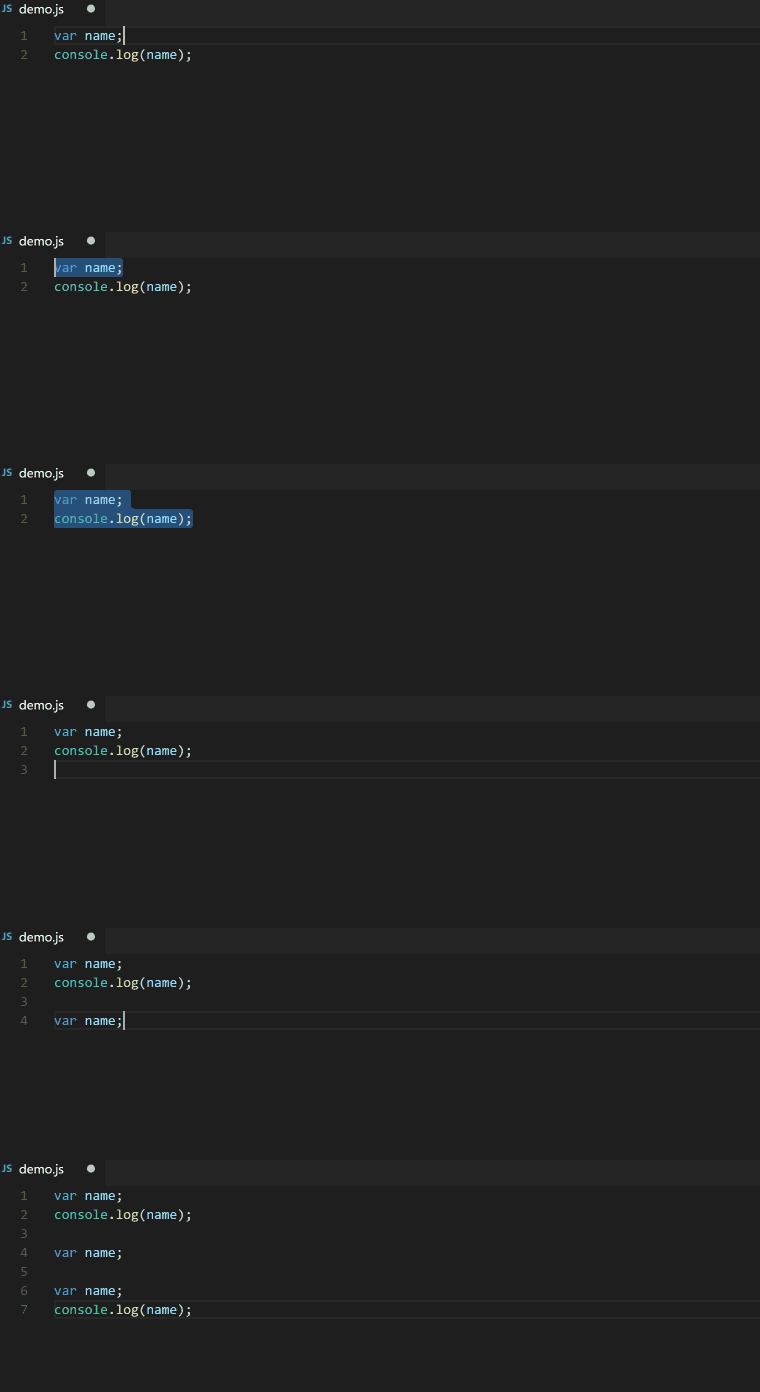

Cycle Through List of Items and Paste according to requirements without having to pick from Dropdown